I decided to buy a monitor for my wife, who is currently enjoying gaming on the 16-inch monitor of a Lenovo Legion 5 Pro 16ARH R7 3060. After deciding on a 27-inch QHD resolution monitor, I started comparing the specs… and it’s taking quite a bit of time.
Personally, I like Dell monitors, so I was thinking about whether I should buy a Dell monitor, but suddenly a Lenovo monitor popped up. The specs were good, it has a 3-year warranty, they seem to be strict with QC, and it’s priced lower than Dell monitors. While I was pondering, I saw a New Year’s sale on AliExpress, applied a discount coupon, and purchased the Lenovo 27Q-10 monitor in the early 220,000 KRW ($152) range.
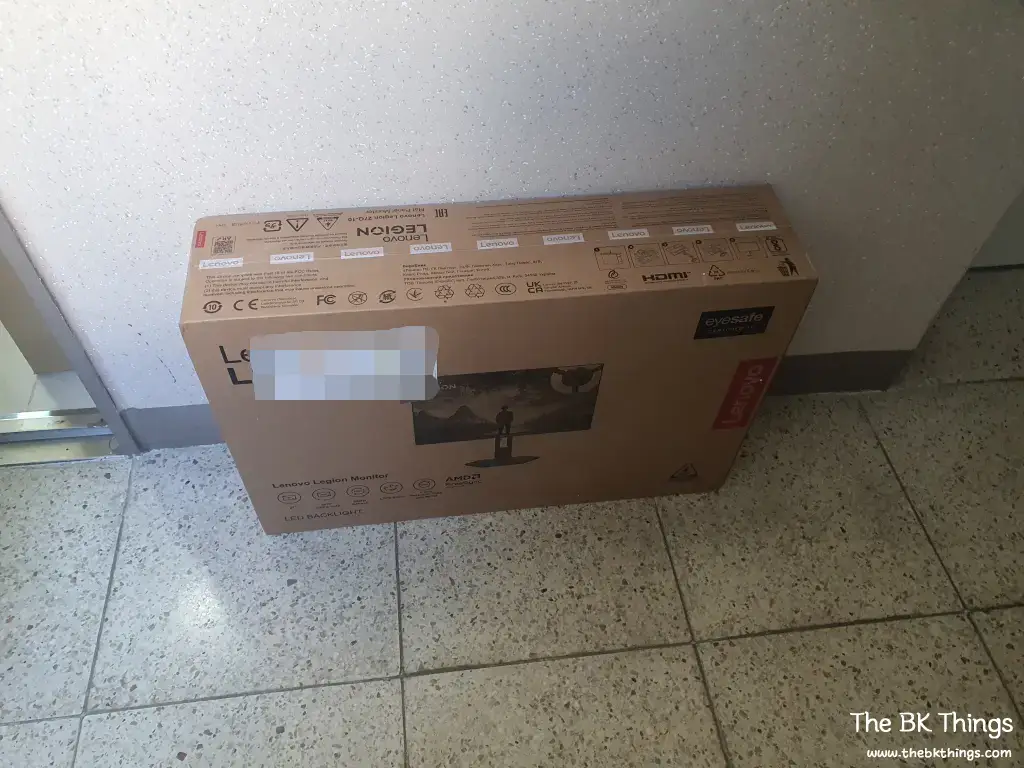
Although I bought it on AliExpress, it was a product shipped from Korea, so it arrived the very next day.
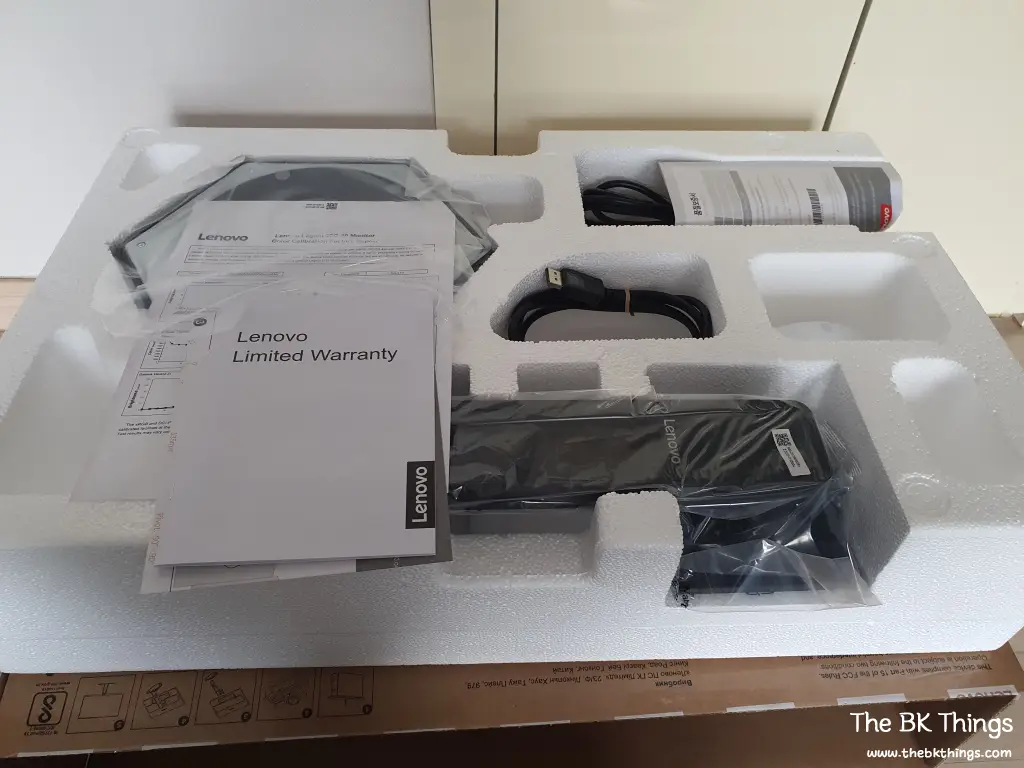
Taking it out of the box, the components of the 27Q-10 are well-packed inside as shown above.
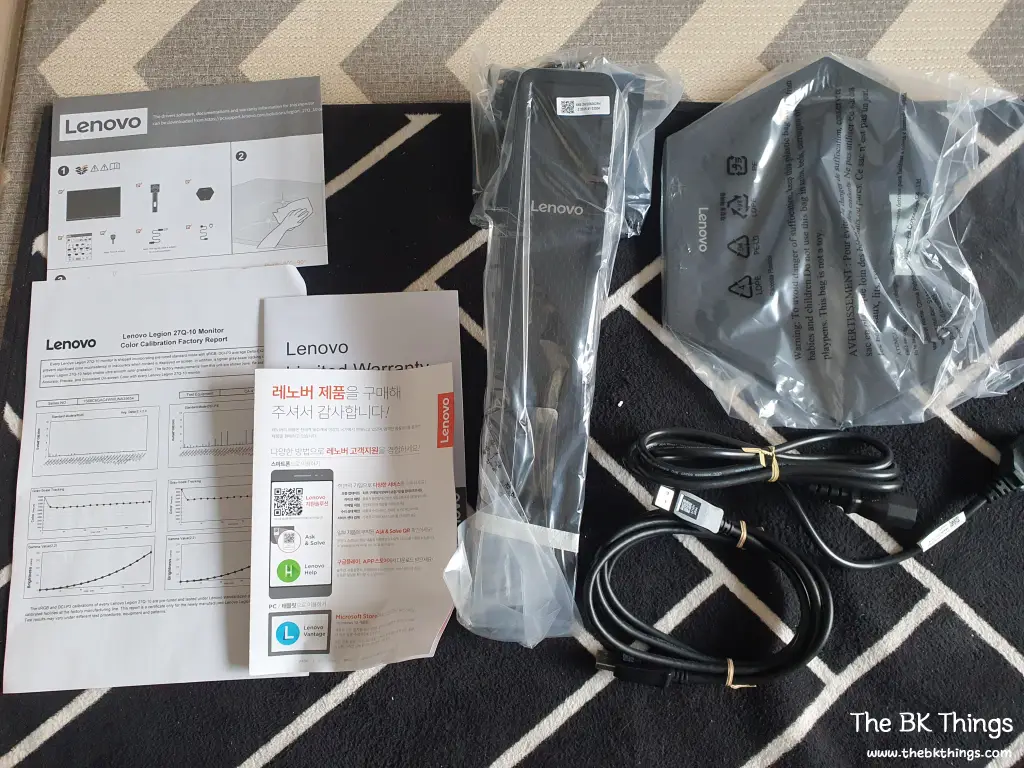
Taking out the components excluding the main unit, they are as follows. It contains manuals that I won’t look at, a base, a stand, a power cable, and a DP cable. It’s hard to see in the photo, but 4 nuts were attached to the stand.
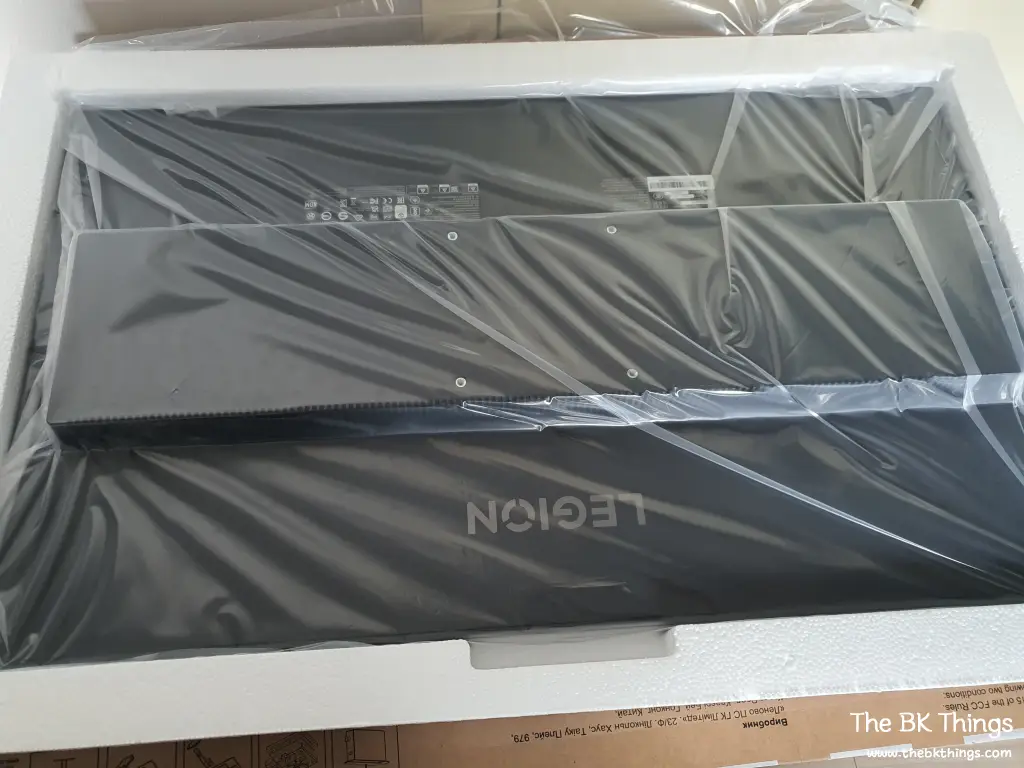
The main unit is well-placed at the bottom like this. But looking at it roughly, the back design is simple, but it’s not pretty.
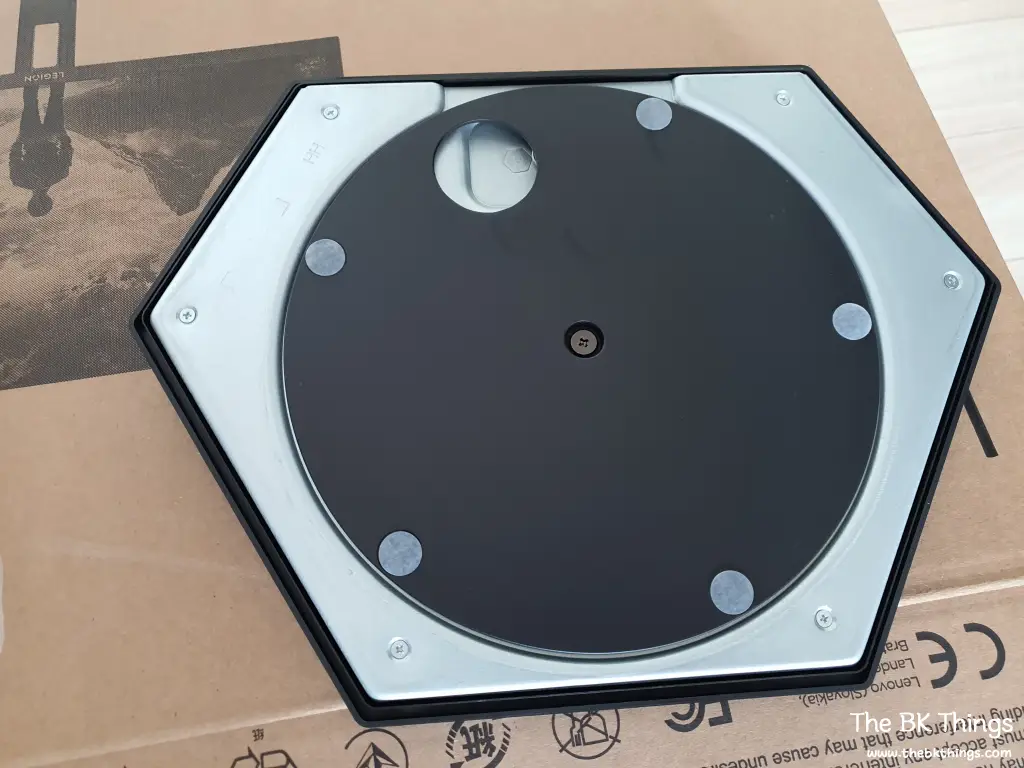
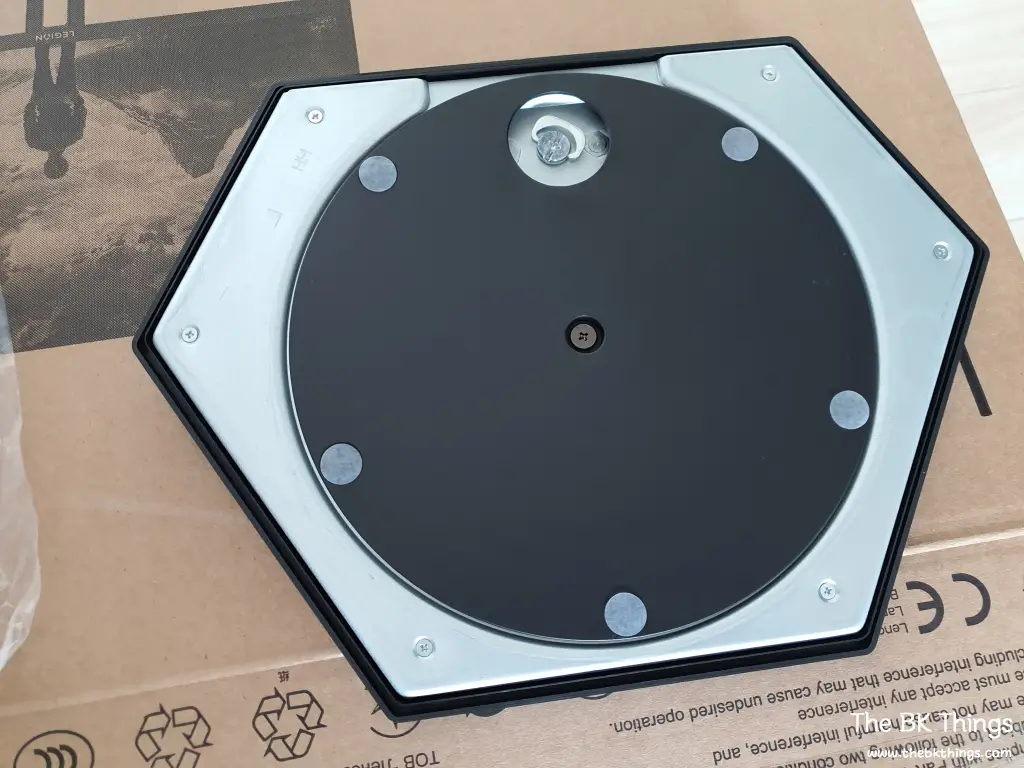
Now, I start the assembly. When I turned the base over, I couldn’t see the tightening part, so I thought, ‘Surely I don’t have to get a screwdriver,’ but when I turned the bottom plate slightly, a part that can be turned by hand appeared, as shown in the image on the right.
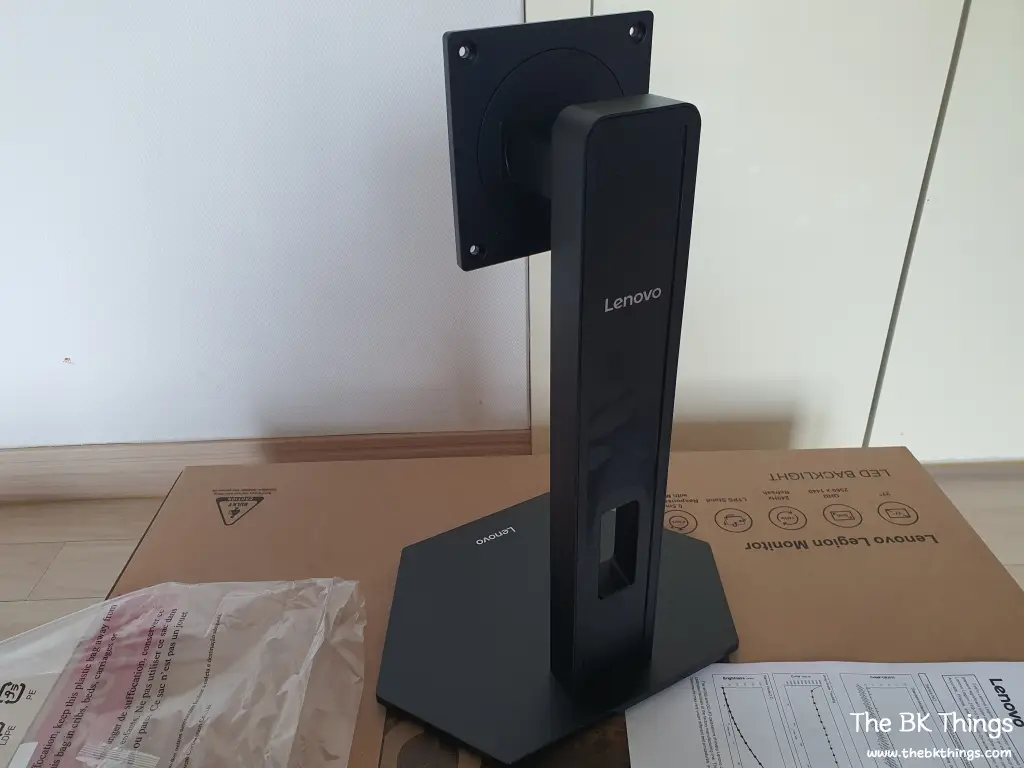
I assemble the stand and stand it up. The base is quite heavy, so it seems like it will be stable.

Looking at the part that connects to the main unit, it seems this stand is used for sizes from 24 to 27 inches.
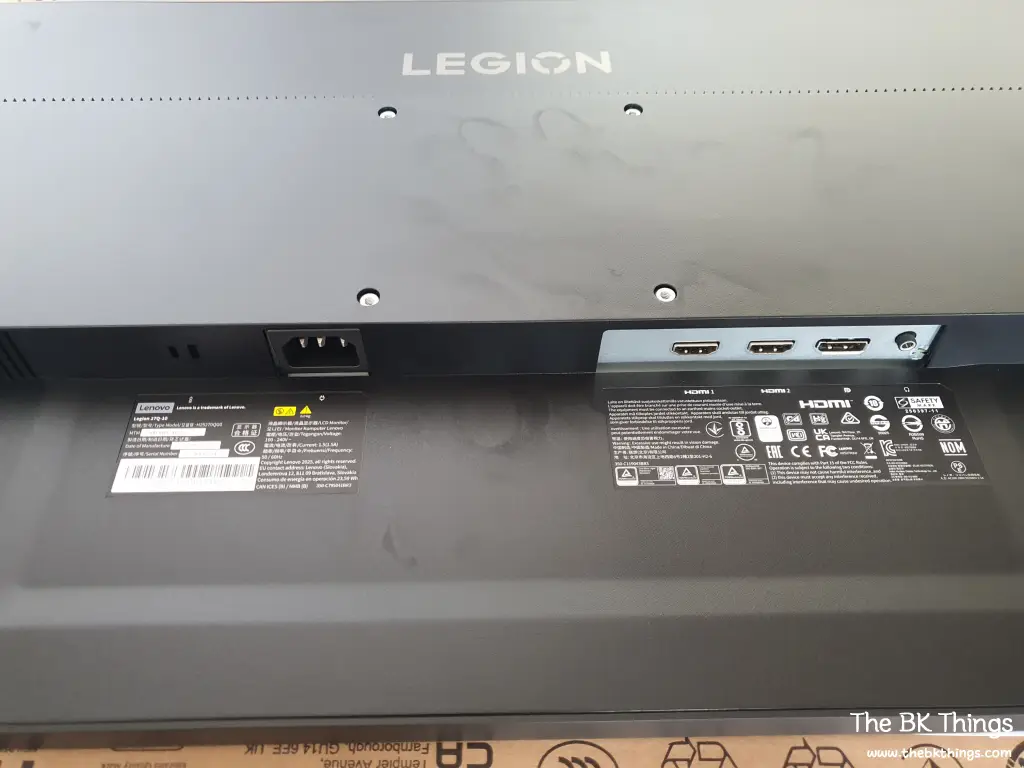
The input ports on the back of the 27Q-10 main unit are as follows. It consists of 1 DP 1.4, 2 HDMI 2.1, one audio out, and the power section. As expected, I don’t like the design of the back.
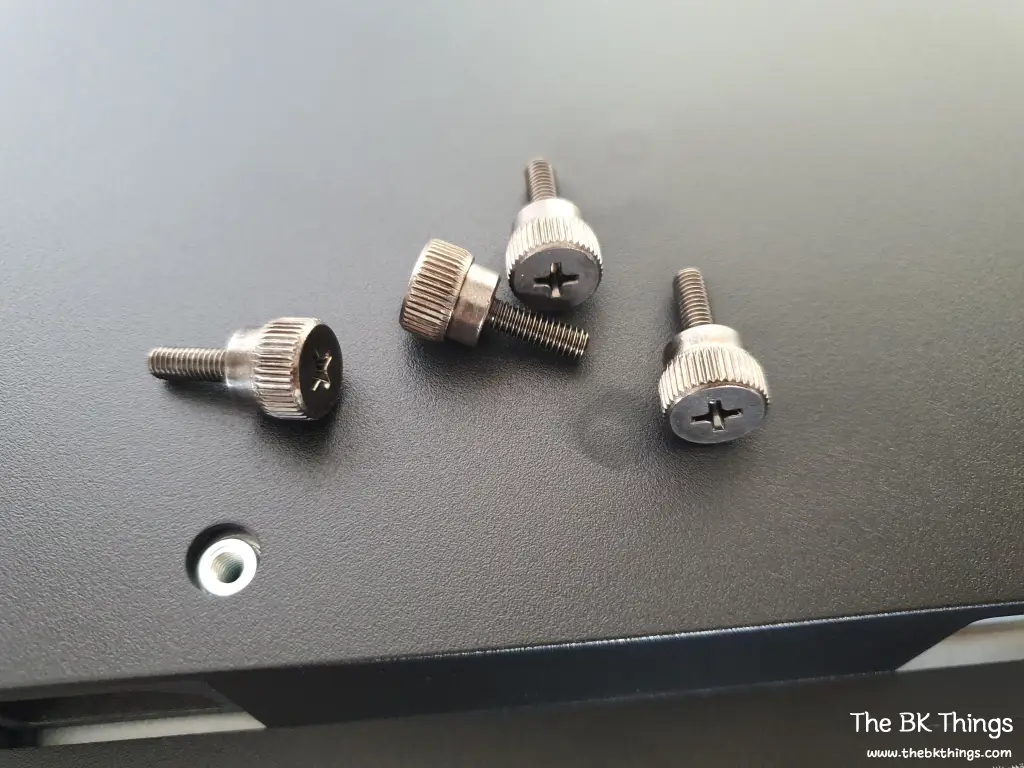
There are 4 nuts, and I thought about getting a screwdriver, but for now, I decide to try turning them by hand.
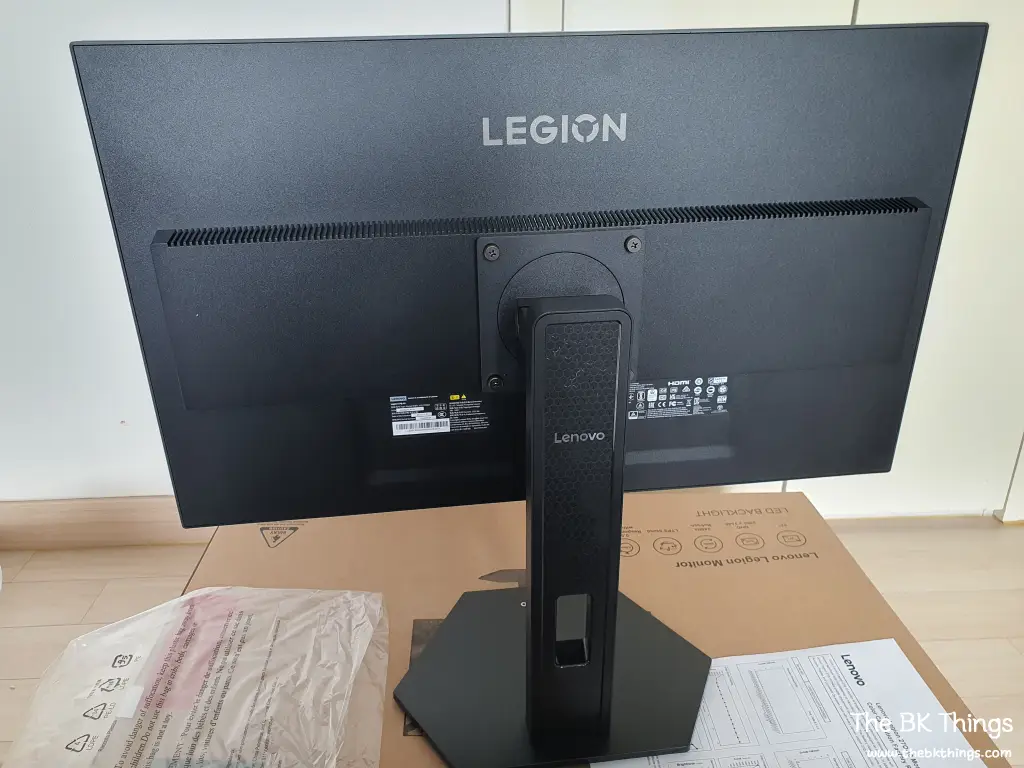
It was possible to combine it with the main unit sufficiently by hand. For a gaming monitor, the back is really not pretty. Still, it looks very convenient for use with a monitor arm.
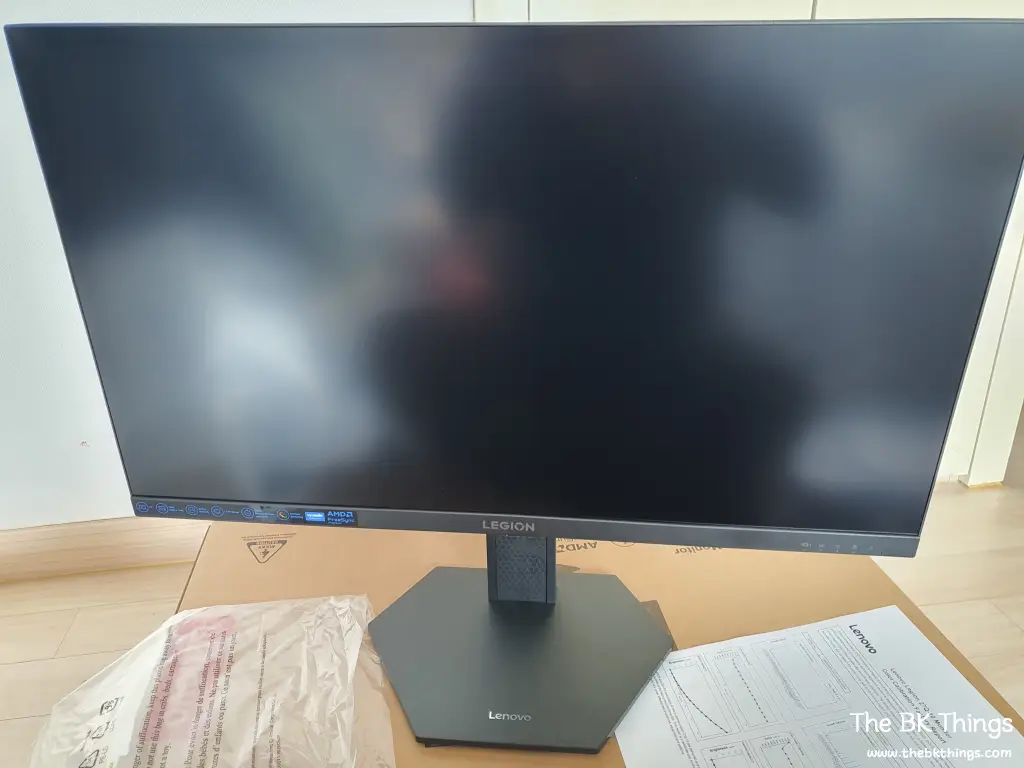
This is what the 27Q-10 looks like after completing all connections. At a glance, it seems the screen reflection is not severe.
The stand of the 27Q-10 is capable of all adjustments including height adjustment, swivel, tilt, and pivot, so a monitor arm is not necessary. This function was also a part I personally prioritized.
Lenovo 27Q-10 Monitor Review
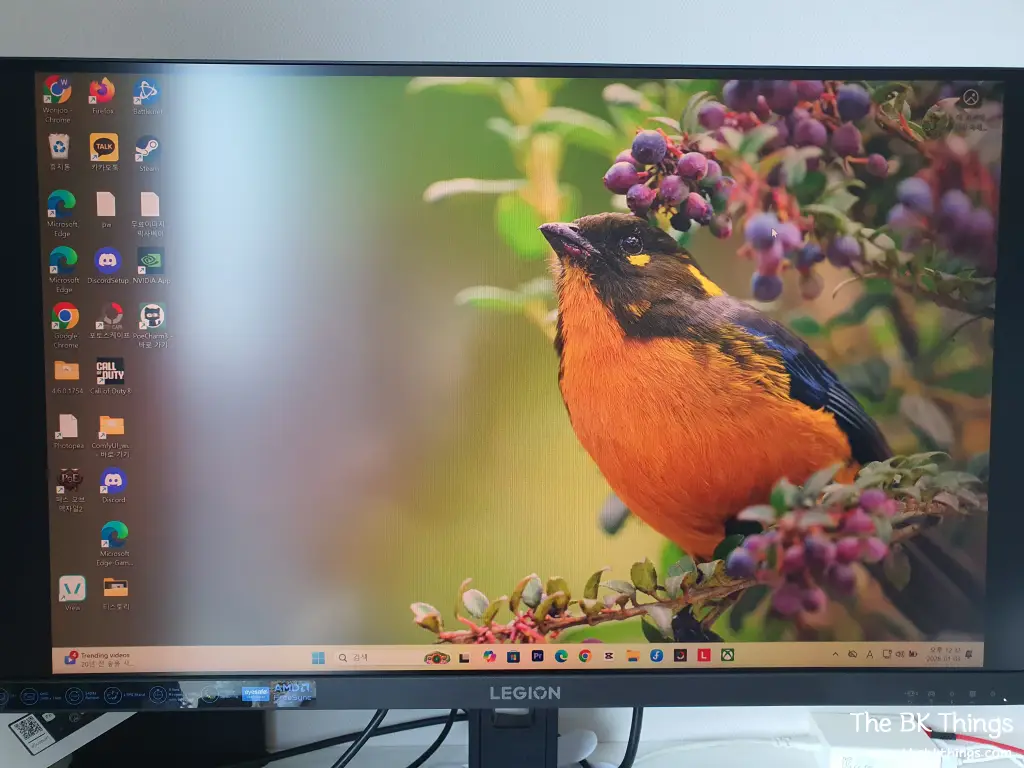
IPS monitors these days have good image quality. I’m satisfied as soon as I see it… but I still check for any defects or problems.
Since it was said that an exchange is possible if there is even one dark pixel, I looked carefully, but there are none. For reference, I understand it is not easy to get an exchange for backlight bleed.
The specs of the Lenovo 27Q-10 monitor include QHD resolution, support for up to 240Hz refresh rate, HDR10, 300 nits brightness, 0.5ms response time, and it is a Fast IPS panel monitor that supports both AMD and Nvidia sync. Oh, and it also received eye protection-related certifications. Almost all specs are in the upper tier, but DCI-P3 is at 90%, which is slightly disappointing. Still, since I bought it for 220,000 KRW, I think it might be the best for the price.
The laptop specs cannot fully draw out the 240Hz refresh rate, but it shows a very satisfactory screen. Personally, the 300 nits brightness comes across as a bit more disappointing than the DCI-P3. Detailed OSD adjustments are possible, and it can also be configured via a utility app, which seems to be a point of differentiation from products by smaller companies.
The first impression of the Lenovo 27Q-10 monitor is very good. I hope this first impression continues.
Detailed specs of the Lenovo 27Q-10 monitor can be checked here.