Before purchasing the Lenovo 27Q-10 monitor (27-inch, QHD, 240Hz refresh rate) for my wife, I had been thinking about building a PC for gaming.
The Legion 5 Pro 16ARH R7 3060 gaming laptop (Ryzen 6800H & RTX 3060) wasn’t bad for enjoying games, but I thought my wife, who has developed a hobby for gaming, should have a dedicated PC, so I had been contemplating the specifications since last November.
However, due to the now excessively high prices of DDR memory and SSDs, I was debating whether to lower the specs, but in the end, I ended up purchasing a pre-built PC. If prices were normal, a pre-built PC should be at least 1 to 1.5 million KRW more expensive than a DIY PC, but now it has become possible to buy a pre-built PC at a lower price than a DIY PC. It feels like the first time I’ve bought a pre-built PC in almost 30 years, since the 286 computer. ^^
The choice I made was the Legion Tower 5 Gen 10 30AGB10.
I was considering the RTX 5070 Ti, which would show sufficient power at QHD resolution, AMD’s gaming CPU 7800X3D or 9800X3D, 32GB of memory, and a 2TB SSD, and it was exactly the right spec.
Legion Tower 5 Gen 10 30AGB10 Specs
| Category | Detailed Specifications |
| CPU | Ryzen 7 7800X3D |
| Motherboard | B650 |
| Memory | DDR5-5600 32GB (16GBX2) |
| Graphics Card | RTX 5070 Ti 16GB |
| Storage | 2TB (1TBX2) |
| Power Supply | 850W Gold |
It is as above. It would have been better if the motherboard was B850 and the CPU was 9800X3D, but this seems sufficient in terms of specs.
Legion Tower 5 Gen 10 30AGB10 Unboxing
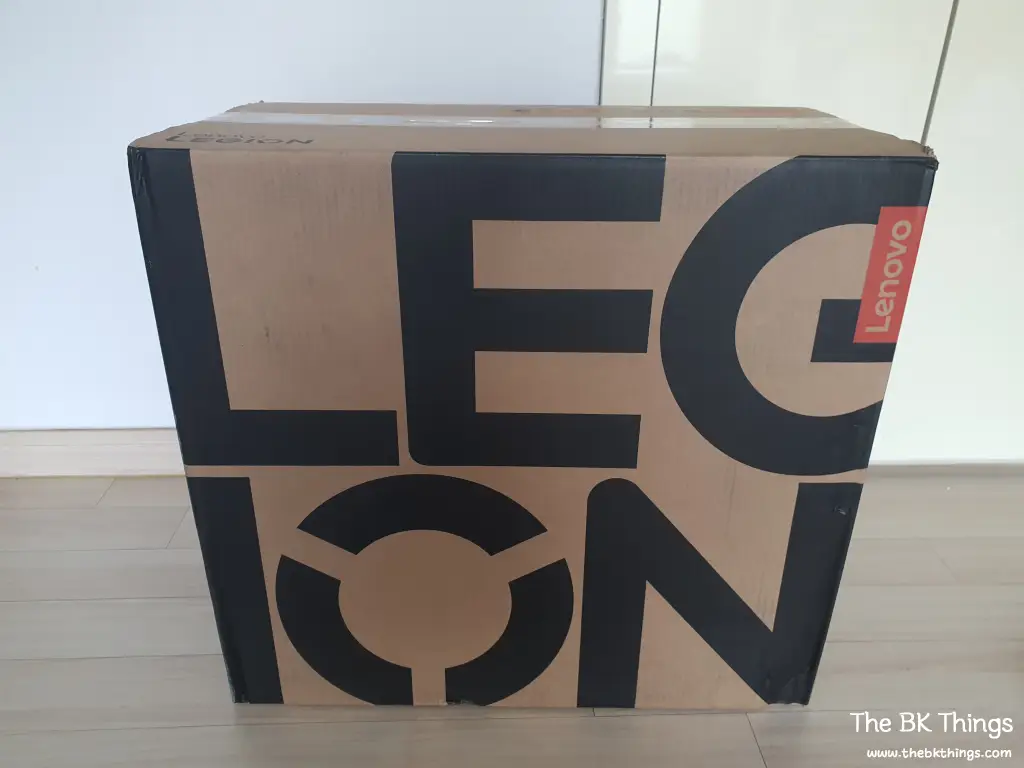
A fairly large box with the Legion logo (?) written large on it has arrived.
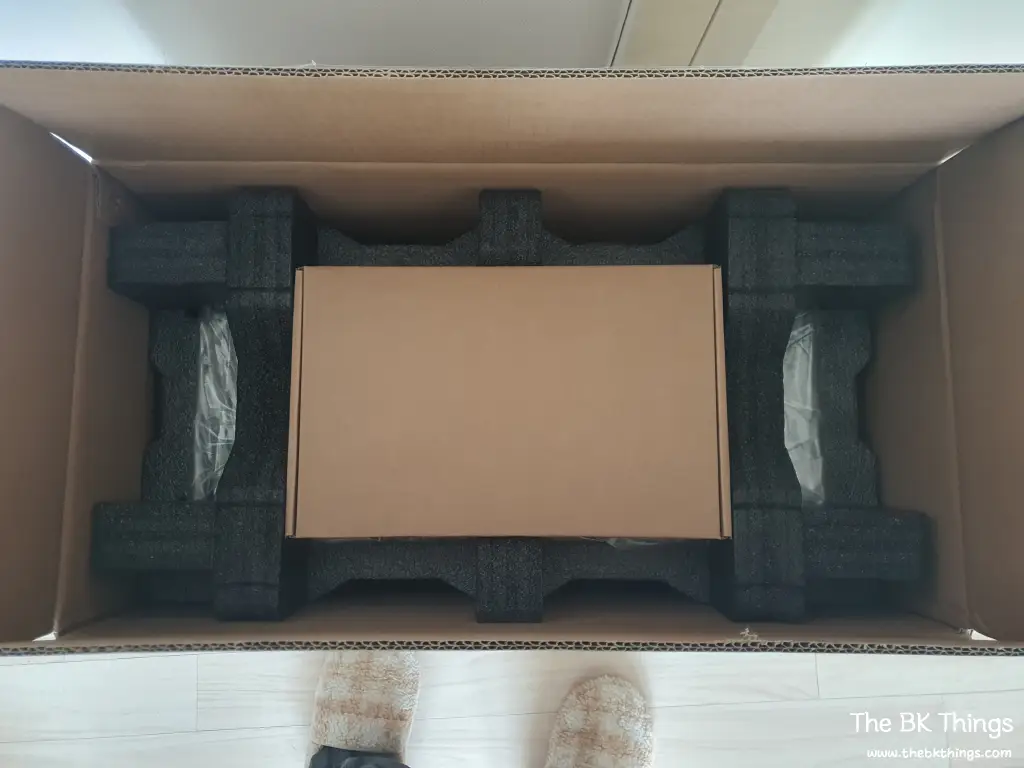
Upon opening the box, there is a small box inside.
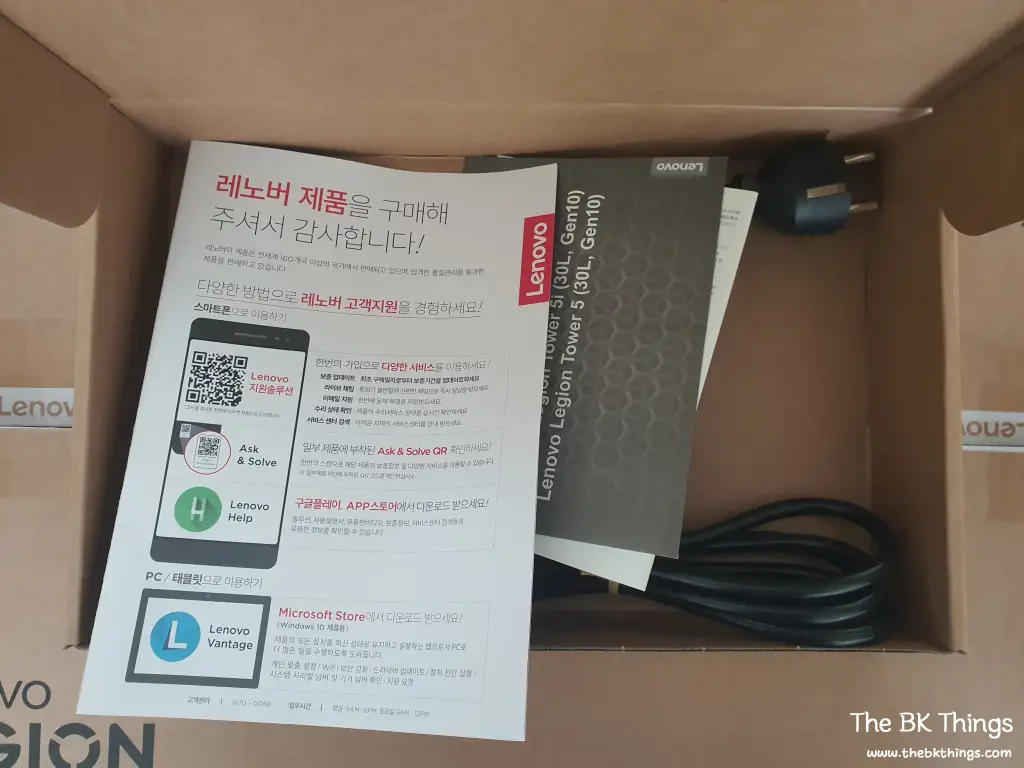
Inside the box, the only component is a single power cable. Other than that, there are manuals that people don’t usually look at.
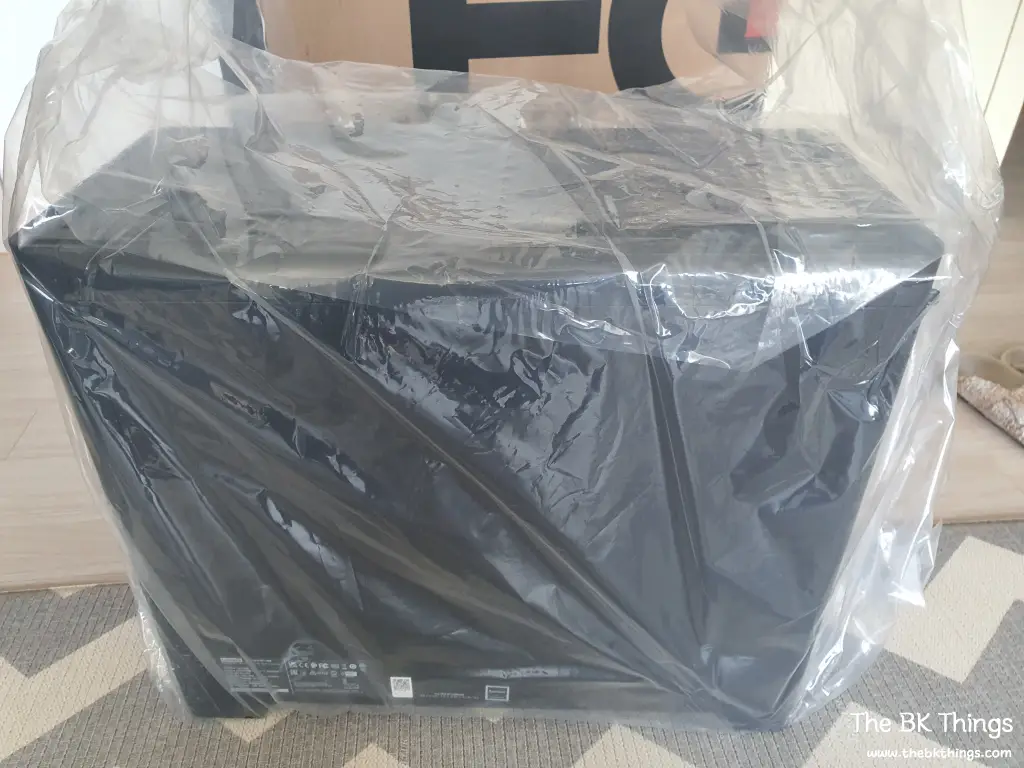
I struggled to pull out the tightly packed main unit.
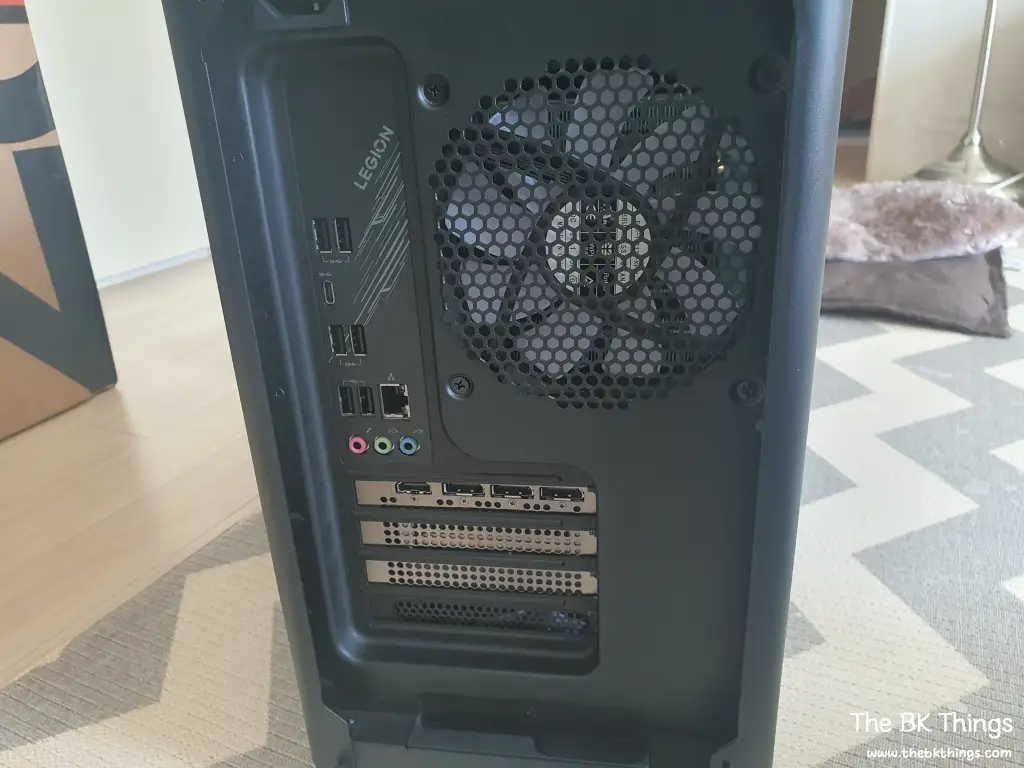
The back side is clean. Since the HDMI port basically on the motherboard is excluded, I think I will connect it to the graphics card properly (?). ^^
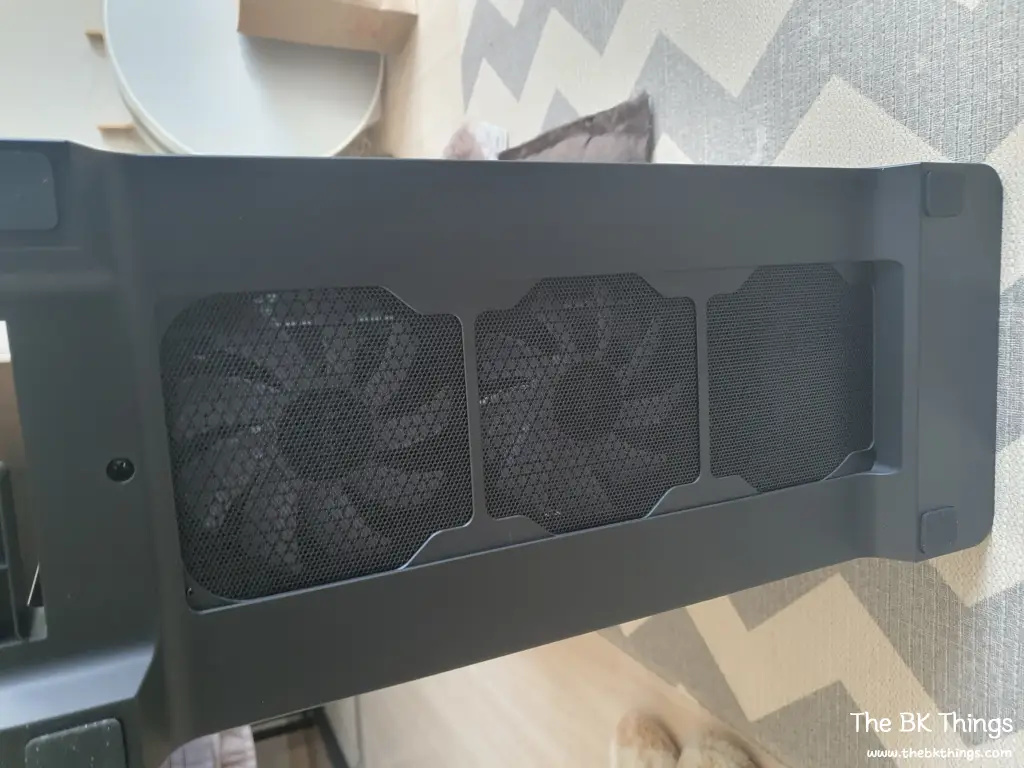
Looking at the bottom, two fans are installed.
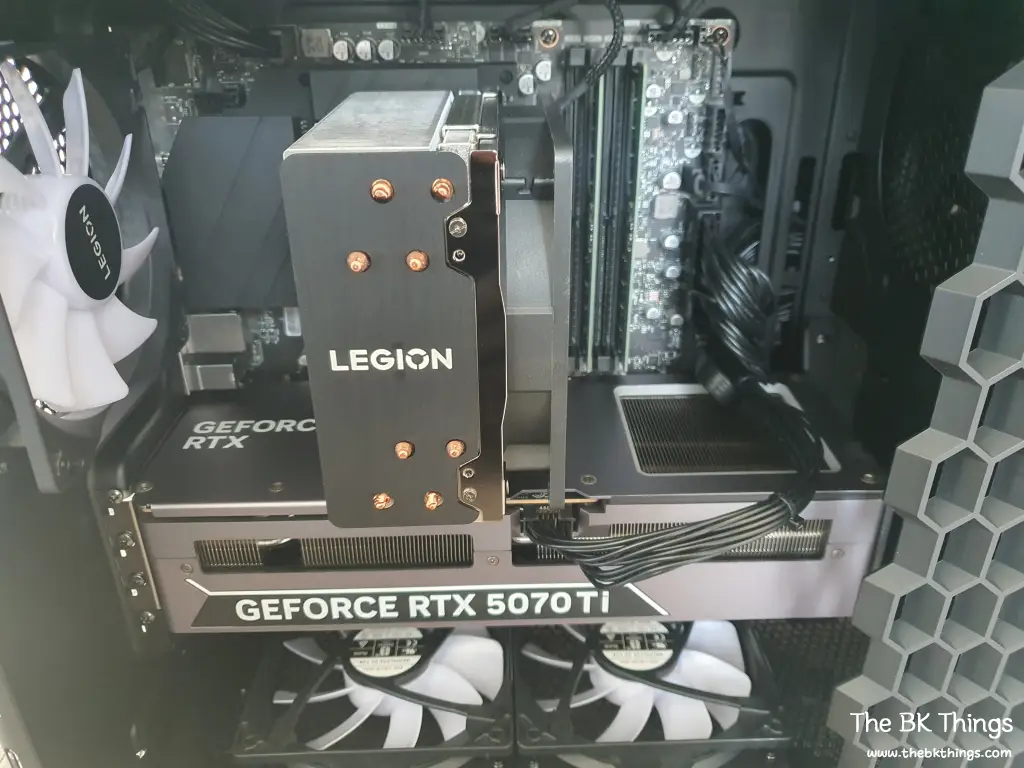
Looking inside with the side glass open, the interior is as above. The cooling is done by air cooling, and all parts and cables are firmly fastened. It’s clean.
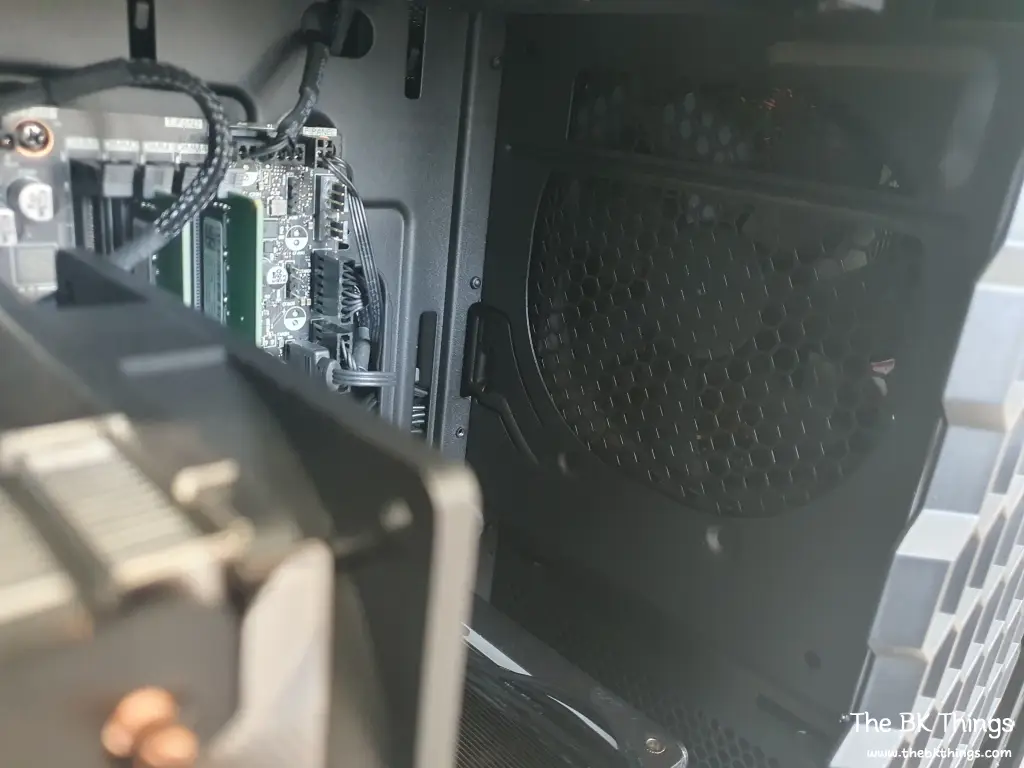
I looked closely to see if it was a fan that usually takes place in the front of the case, and the power supply is located in the front like this.
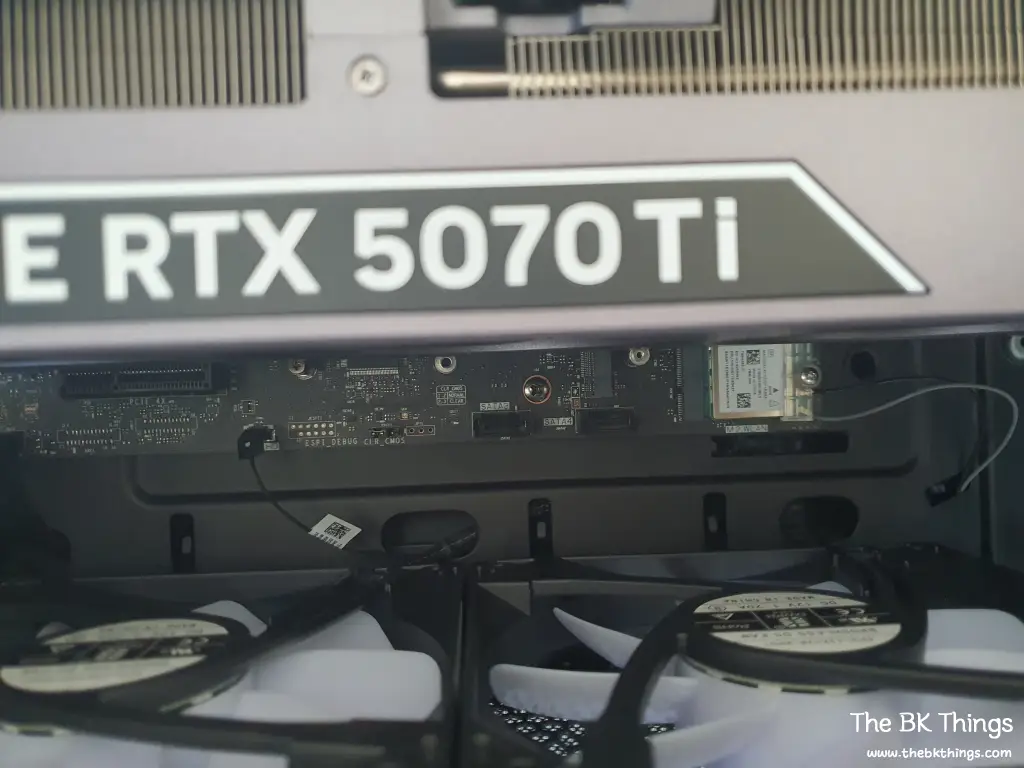
The Bluetooth & Wi-Fi module is located at the bottom of the motherboard, and the antenna seems to be connected to the front part of the case. I like it quite a bit that the antenna does not come out to the outside.
The motherboard appears to have been designed by Lenovo itself.
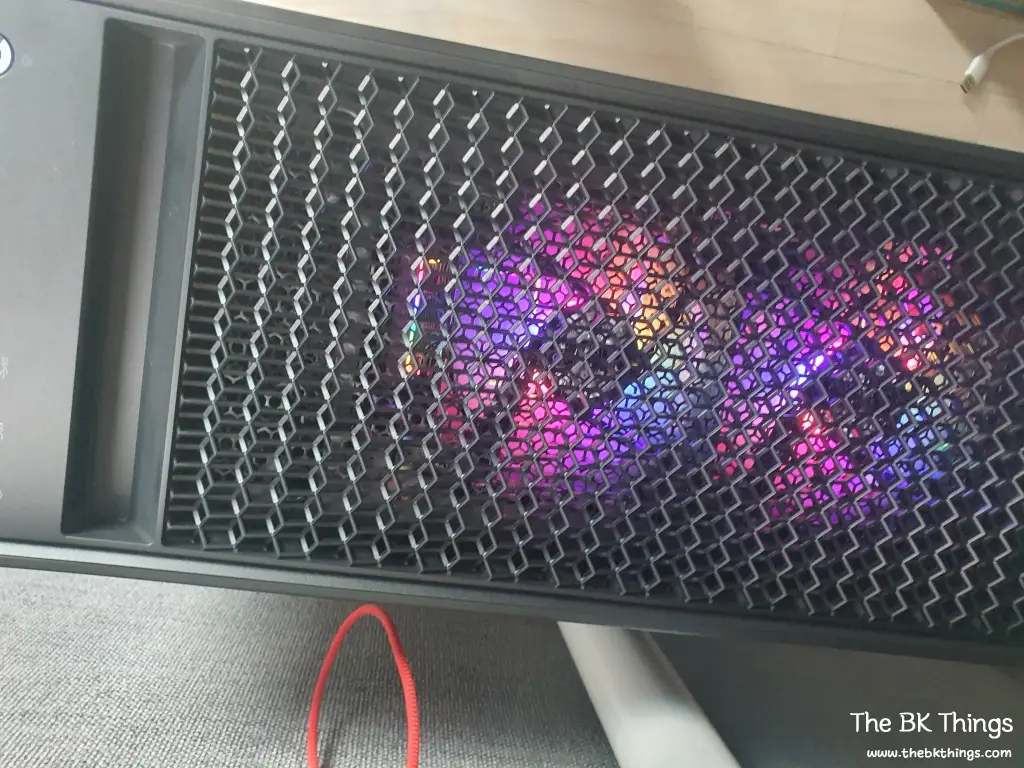
Two fans are also installed on the top.
Legion Tower 5 Gen 10 30AGB10 Review
First of all, it’s quiet. I was worried about what to do if there was fan noise because it’s an air-cooling method, but I can’t feel the noise. The heat is also being managed well, so I don’t think I need to worry.
The combination of 2 fans on the top, 2 on the bottom, and 1 on the back is not common, but I think Lenovo must have tested this part sufficiently before release.
Since it has a 3-year free warranty, I won’t have to worry for 3 years, and since I can easily update drivers and BIOS by installing one Lenovo Vantage app, management should be easy.
I am very satisfied because I bought it cheaper than assembling each part and the workmanship is also to my liking.
However, there are two slightly disappointing points.
First, gaming-related functions used to be included in the Vantage app, but now they are separated into an app called Legion Space. You can set RGB lighting, modes, etc., in the Legion Space app, but other than that, it consists of things that are rarely used, such as the Legion Store. It seems like they made it separately to integrate Lenovo’s Legion series like tablets and UMPCs… I don’t like having to install both the Vantage app and the Legion Space app.
Another thing is that there are no filters to catch dust in the areas where the fans are installed. It would be convenient to just clean this filter once in a while… I think I’ll have to look inside here and there once every 6 months.
I really didn’t know I would end up buying a Legion Tower 5 pre-built PC. Considering the terrifyingly rising prices of PC parts like memory and SSDs, I think it’s a good idea to consider buying a pre-built PC now. Perhaps as more time passes, the price of these pre-built PCs will also increase. For reference, the production date of this PC was June 2025.