I’ve spent quite a bit of time debating which monitor light to buy, and I finally settled on the Philips Monitor Light Bar. While the official name is technically a “Screentop Lamp,” I find “Light Bar” to be a much more intuitive name for what it actually does.
The Reason Behind the Purchase: Eye Fatigue
Maybe it’s my age, but I’ve noticed my screen time has been decreasing lately. My eyes get tired so easily that it started affecting my work productivity. At first, I thought my monitor was dying, but after some testing, the screen was fine. I realized the issue might be my room’s lighting, which led me to look into monitor light bars.
Why I Chose Philips Over Xiaomi or BenQ
When you search for monitor light bars, the Xiaomi Mi Computer Monitor Light Bar seems to be the most popular choice. Of course, there’s also the BenQ ScreenBar, but the price gap was too large to justify, so I skipped it. I was torn between Xiaomi and Baseus for a while but ultimately went with Philips.
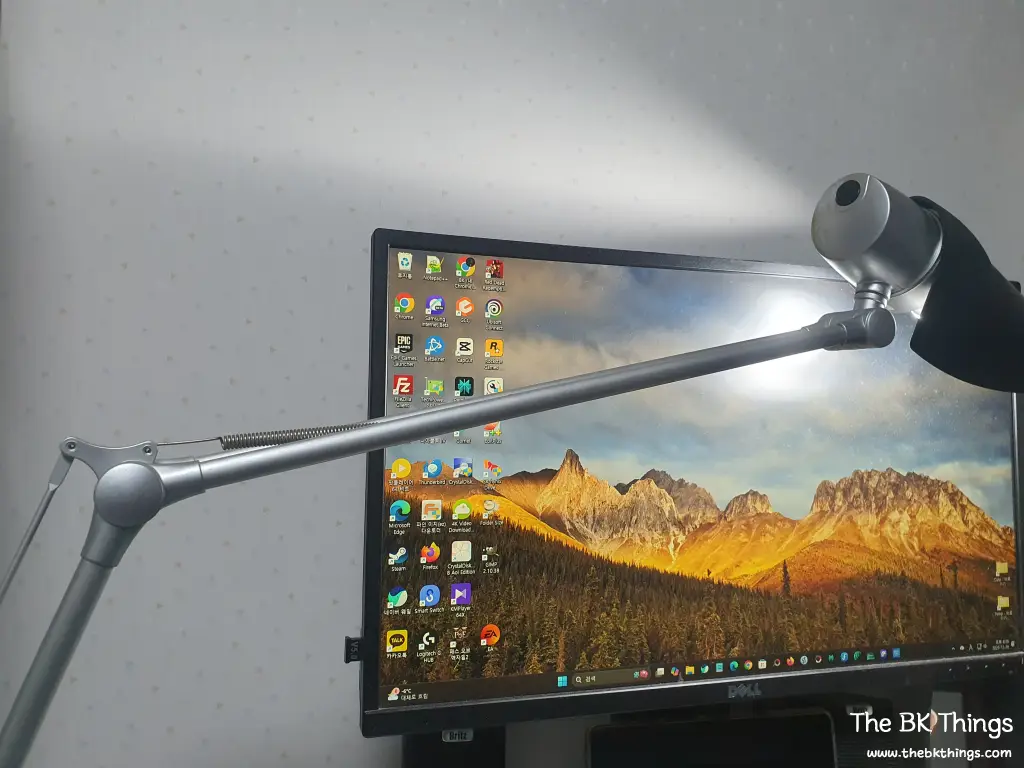
The deciding factor was my old Philips LDS 613 desk lamp. It’s been sitting on my desk for over 15 years, and I can’t even remember when I bought it. Because Philips is a trusted brand in lighting and my previous lamp has lasted so long, I felt confident in their quality.
Unboxing and Build Quality
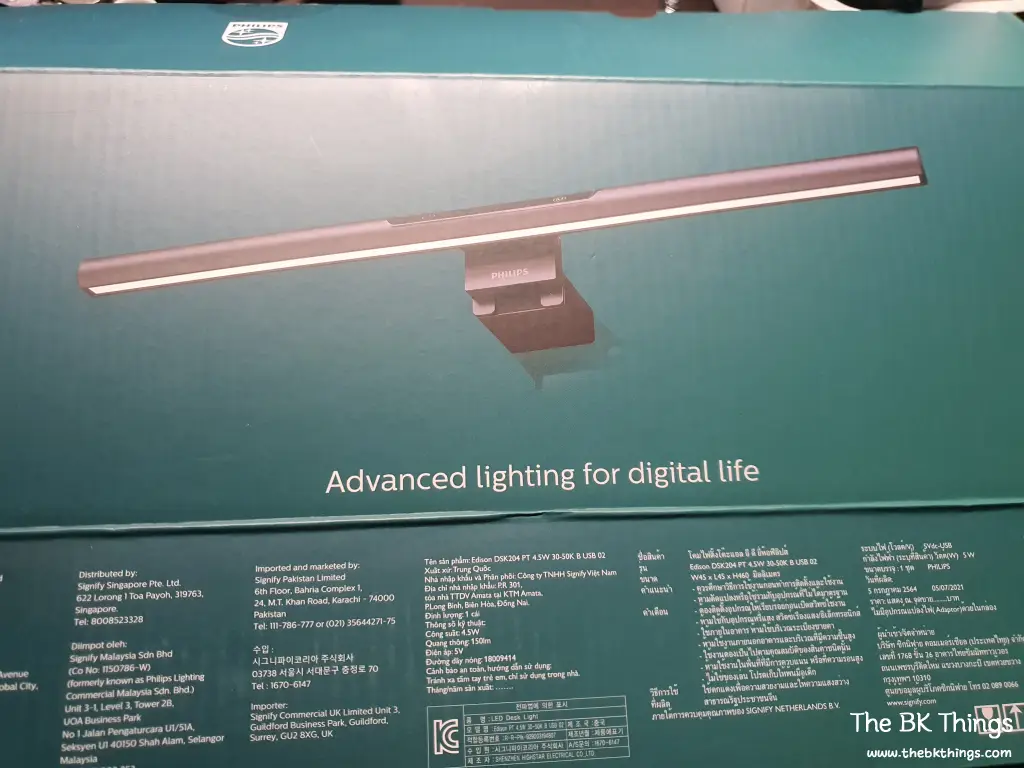
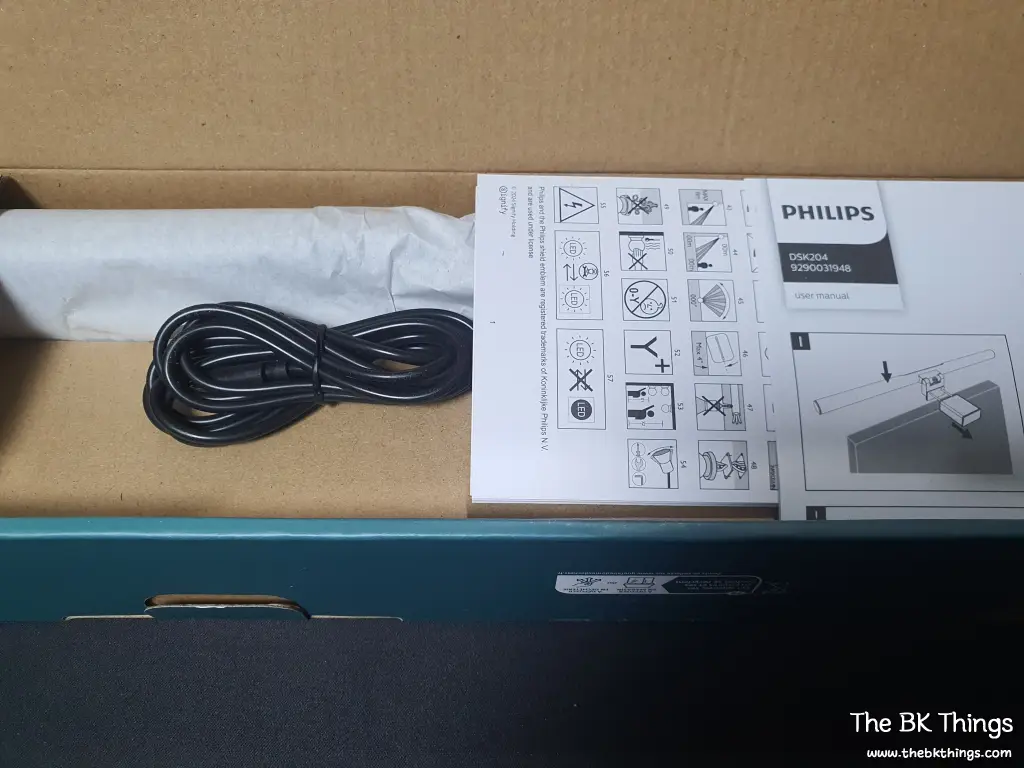
The product comes in a box printed with several languages. The contents are quite simple:
- The Monitor Light Bar unit
- One USB-C to USB-A cable (approx. 1.5m)
- Two manuals/instruction sheets
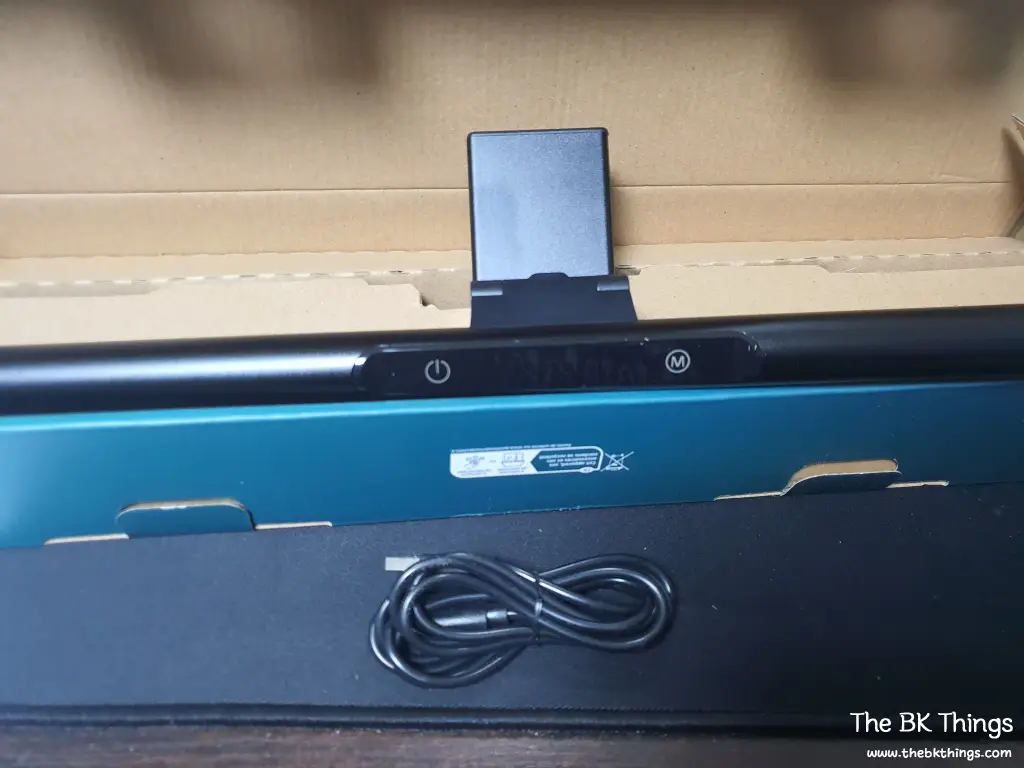
The unit itself looks decent—not premium, but certainly not cheap. The included USB cable is about 1.5 meters long. Since my monitor has a USB uplink port, the cable was a bit long for me, but it’s the perfect length if you need to connect it directly to a PC tower on the floor.
Installation and Fit
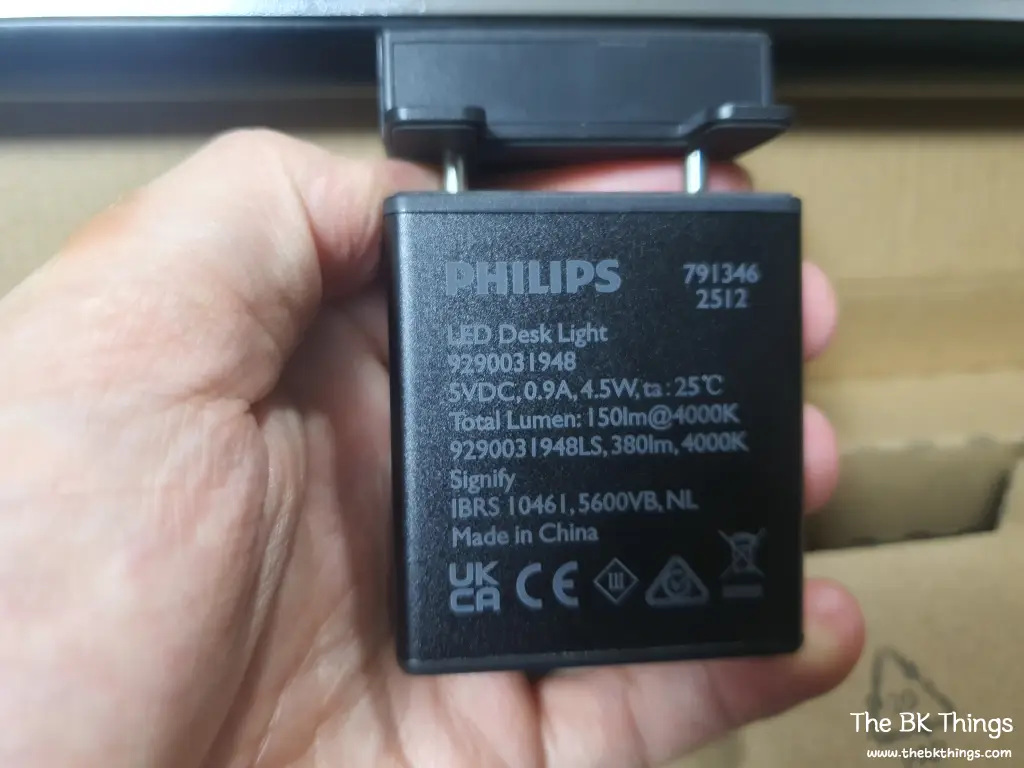
The clip mechanism expands to fit over the top of the monitor. The tension isn’t overly strong, but it isn’t weak either. At first, I wondered, “Will this really hold?” unlike the Xiaomi version which has a larger contact area. However, once I mounted it, it stayed perfectly in place.
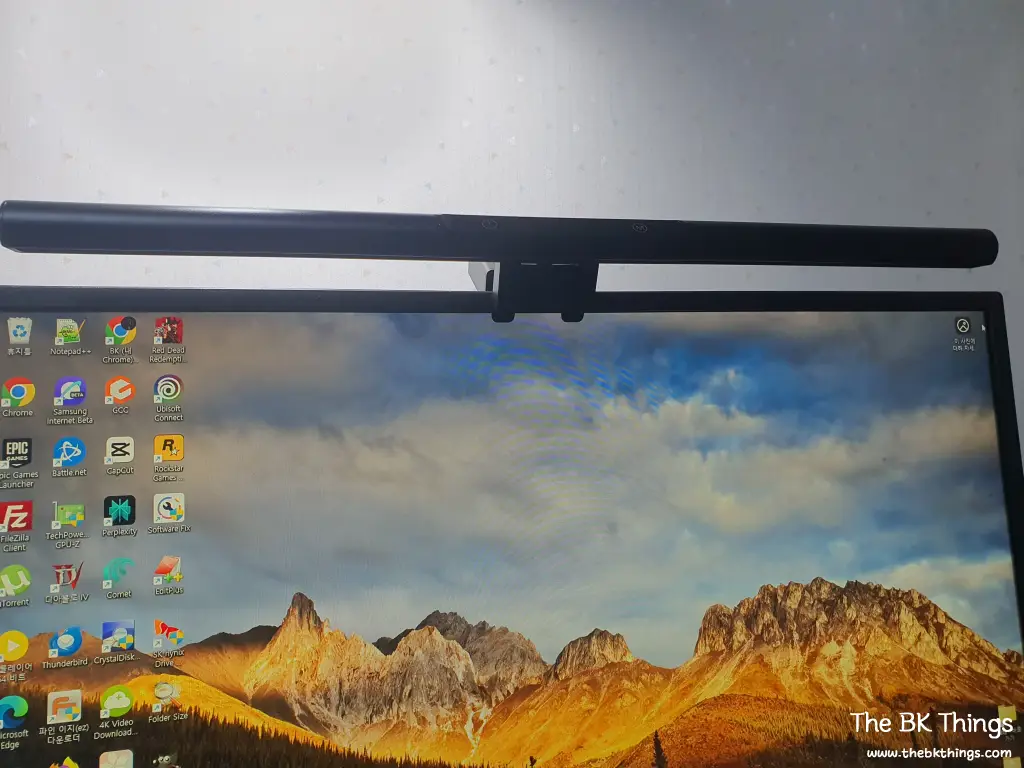
One thing to note: the clip overlaps the top bezel in two small spots. My monitor isn’t a brand-new model, so the bezels aren’t particularly thin, yet it still covers a tiny bit of the frame. If you have an ultra-thin bezel monitor, this might be more noticeable.
Performance and User Experience
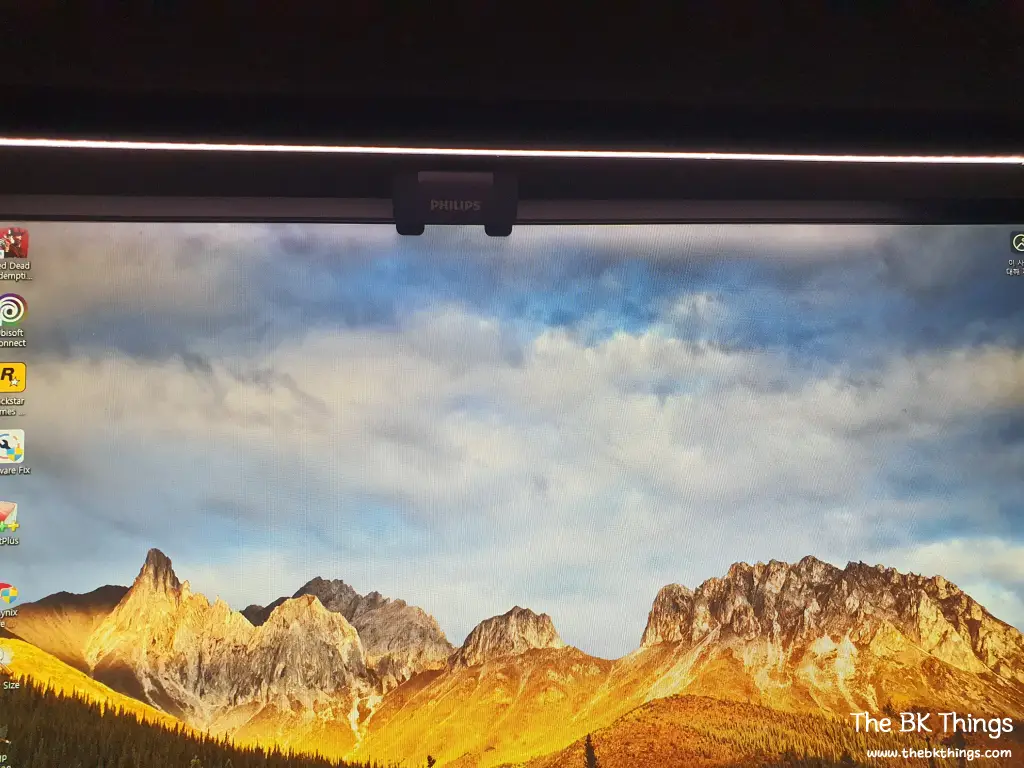
Once turned on, the light sits right above the screen without causing any glare or interference with the display itself. The controls are incredibly simple—one sheet of instructions is all you need to understand everything.
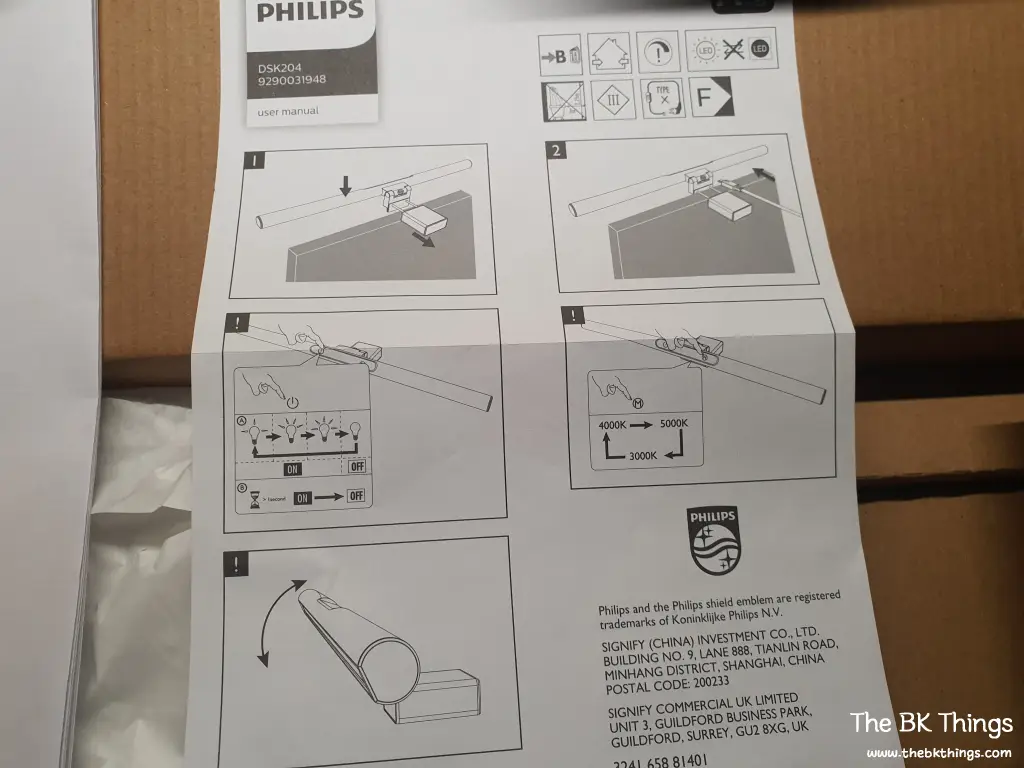
Key Highlights:
- Reduced Eye Strain: I am extremely satisfied with this. My eye fatigue has improved significantly since I started using it.
- Adjustable Settings: It features 3 brightness levels and 3 color temperature settings.
- Responsive Touch Controls: Before buying, I worried that physical buttons on the bar might be less convenient than Xiaomi’s wireless dial. However, those worries are gone. The touch sensitivity is great; even in the dark, you don’t need to be precise. Just sliding your finger near the buttons triggers them.
While some might see the lack of granular adjustment as a downside, I believe these 3 levels were professionally calibrated for optimal use. I have no complaints.
Final Thoughts
Since I’ve always had a good impression of the Philips brand, I hope this light bar lasts as long as my old desk lamp. If you’re looking for a reliable, well-engineered light bar to save your eyes, this is a solid choice.