After seeing reports that the One UI 9.0 update had started rolling out to the Galaxy S25 series, I wondered whether the Galaxy S25 FE would also receive the update at the same time. So, I checked for the update on my Galaxy S25 FE.
Apparently, despite being an FE model, the Galaxy S25 FE is still considered part of the Galaxy S25 lineup when it comes to major software updates.
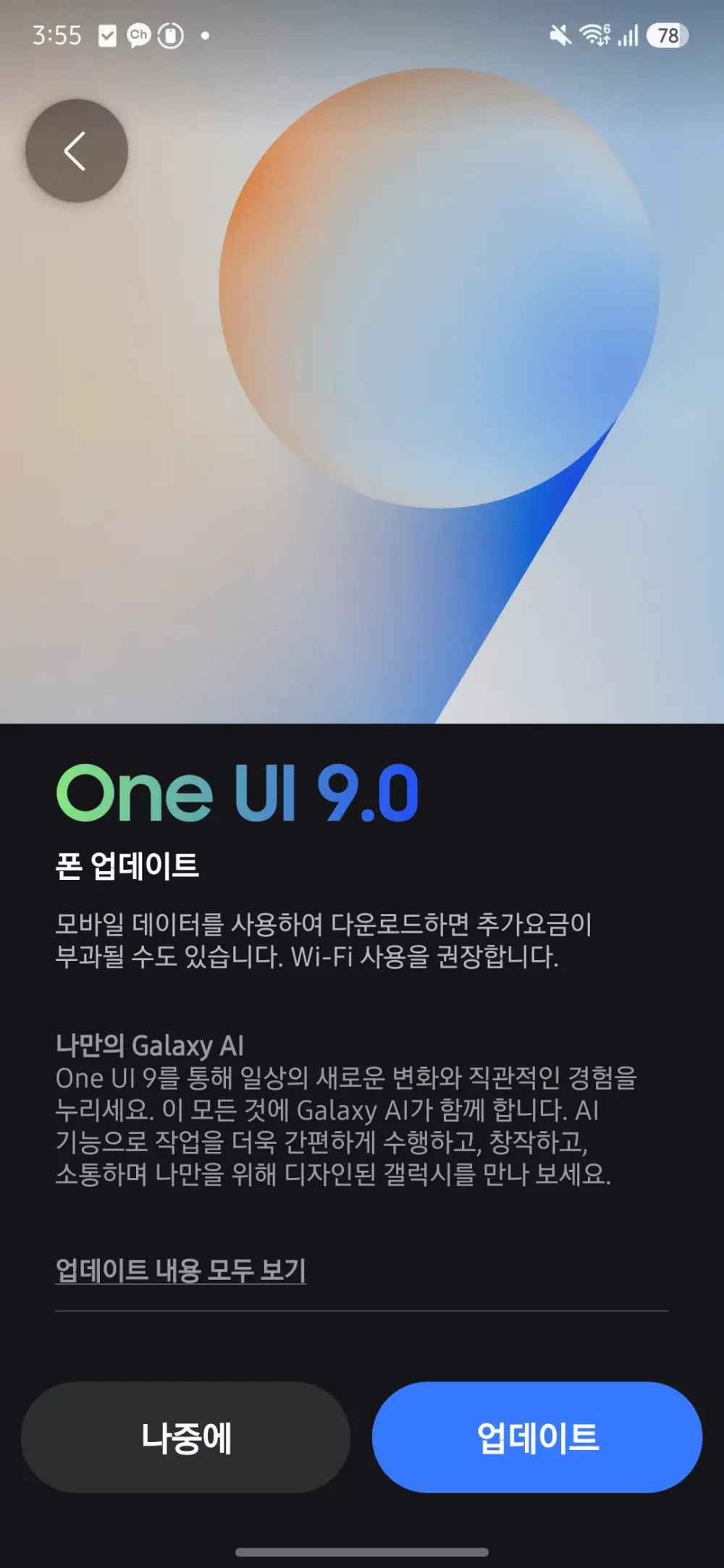
The One UI 9.0 update for the Galaxy S25 FE is approximately 2.95GB in size and includes the September 2026 security patch.
What Is Included in the Galaxy S25 FE One UI 9.0 Update?
The biggest question I had was how many One UI 9.0 features would be excluded from the Galaxy S25 FE because it is an FE model.
Fortunately, it appears that almost everything is included, except for features that depend on specific hardware.
The My FanCam feature is included, and the existing Galaxy AI features also appear to remain intact.
The features that are missing seem to be mainly related to the hardware limitations of the Galaxy S25 FE.
For video recording, Super Steady with Horizontal Lock and 8K 30fps recording are not available.
The Full-Screen AOD wallpaper feature is also unavailable, apparently because the Galaxy S25 FE does not use an LTPO display.
Galaxy S25 FE One UI 9.0: First Impressions
After going through the major changes in One UI 9.0, my overall impression is that there aren’t many completely new features for the Galaxy S25 FE.
The most noticeable addition is My FanCam, while Samsung has also added some warranty and device-care related options and made various changes to the user interface.
The update also brings Android 17 and the September 2026 security patch.
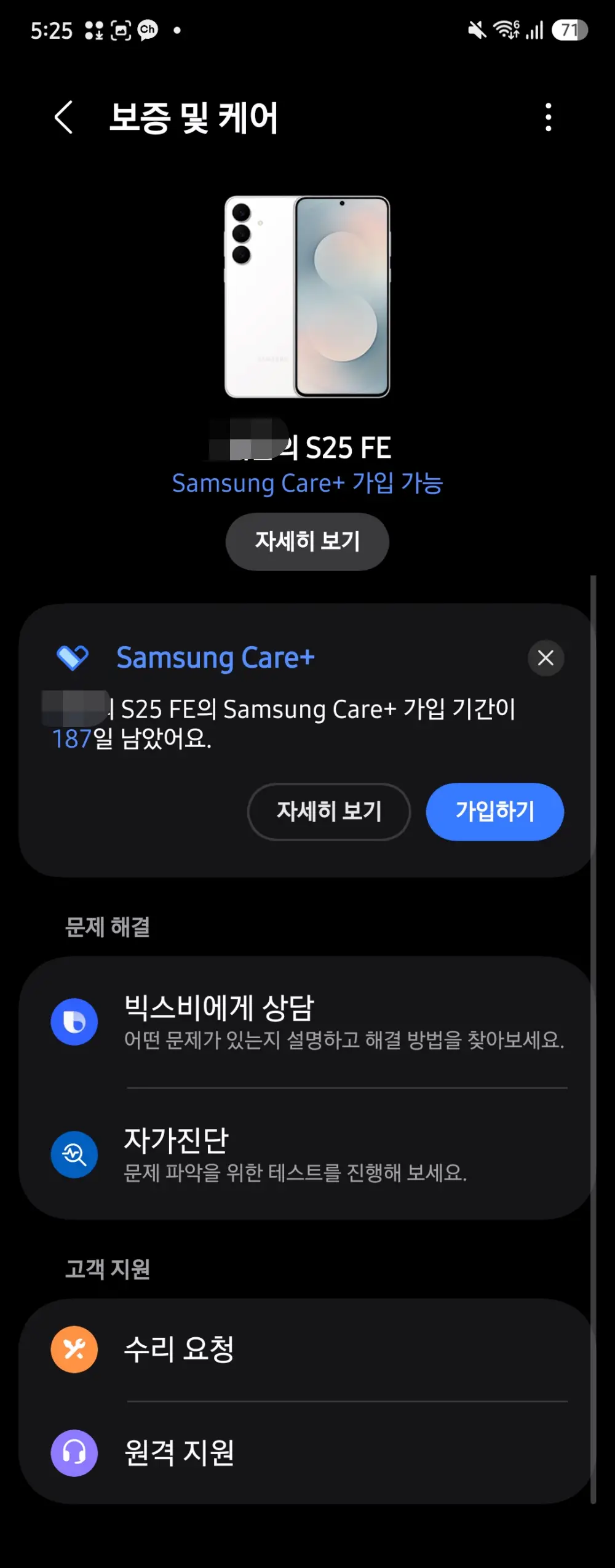
Warranty & Care
The new Warranty & Care section could be useful for users who use Samsung Care services.
It’s not a particularly major feature, but it is one of the smaller changes included with the update.

The New Google Search Bar
One thing I found somewhat annoying is that a Google search bar now appears at the bottom of the home screen, regardless of the wallpaper being used.
At first, I thought it was simply a new widget, so I tried pressing and holding it to remove it. However, it cannot be removed that way.
Instead, you have to go into the settings and disable “Search from Home screen” to make it disappear.
This appears to be one of the changes introduced with the new One UI interface.
I’m not really sure why Samsung decided to enable this by default.
Overall Impression
Other than these changes, the overall interface simply feels a little cleaner and more polished.
After using One UI 9.0 on the Galaxy S25 FE, I don’t feel that there are a huge number of new features compared with the previous version.
Instead, the biggest change is the upgrade to Android 17, along with various UI changes, existing Galaxy AI improvements, and system-level changes.
My impression is that One UI 9.0 may be more focused on optimization and refinement than on introducing a large number of completely new features.
For Galaxy S25 FE users, My FanCam is probably the most noticeable new feature, while most of the other changes are improvements and refinements to the existing Galaxy experience.