Our 2016 Mercedes-Benz A200 (W176) had no built-in navigation, so we had to mount a smartphone. That turned out to be awkward: magnetic mounts were fine, but the A-Class vents can’t hold a clip mount, and the dashboard surface doesn’t let suction mounts stick well. After two years, our suction mount finally fell off.
The owner’s manual actually mentions Apple CarPlay and Android Auto, but connecting a phone did nothing. At the first scheduled service, the dealer said it could be enabled for a fee; at the second, they said it wasn’t possible. In short, the 2016 W176 A200 with the NTG5S1 head unit supports CarPlay and Android Auto in hardware, but the feature was disabled in software (at least on our Korean-market car).
So I ordered an NTG5S1 activation tool from AliExpress and enabled it myself.
The NTG5S1 Activation Tool
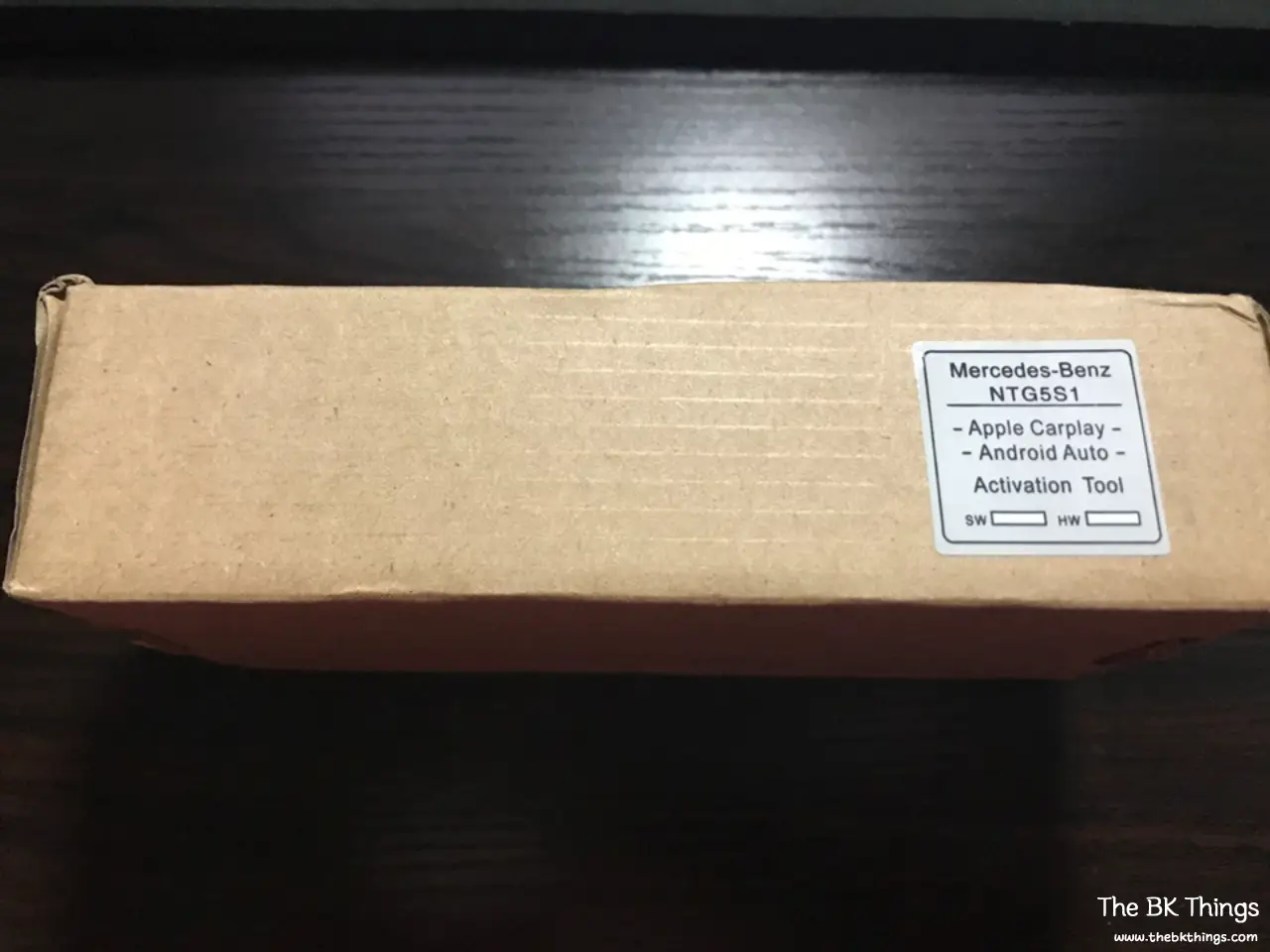
It cost about 50,000 KRW (roughly $35–40) and took around 20 days to arrive. My advice: order it and forget about it.
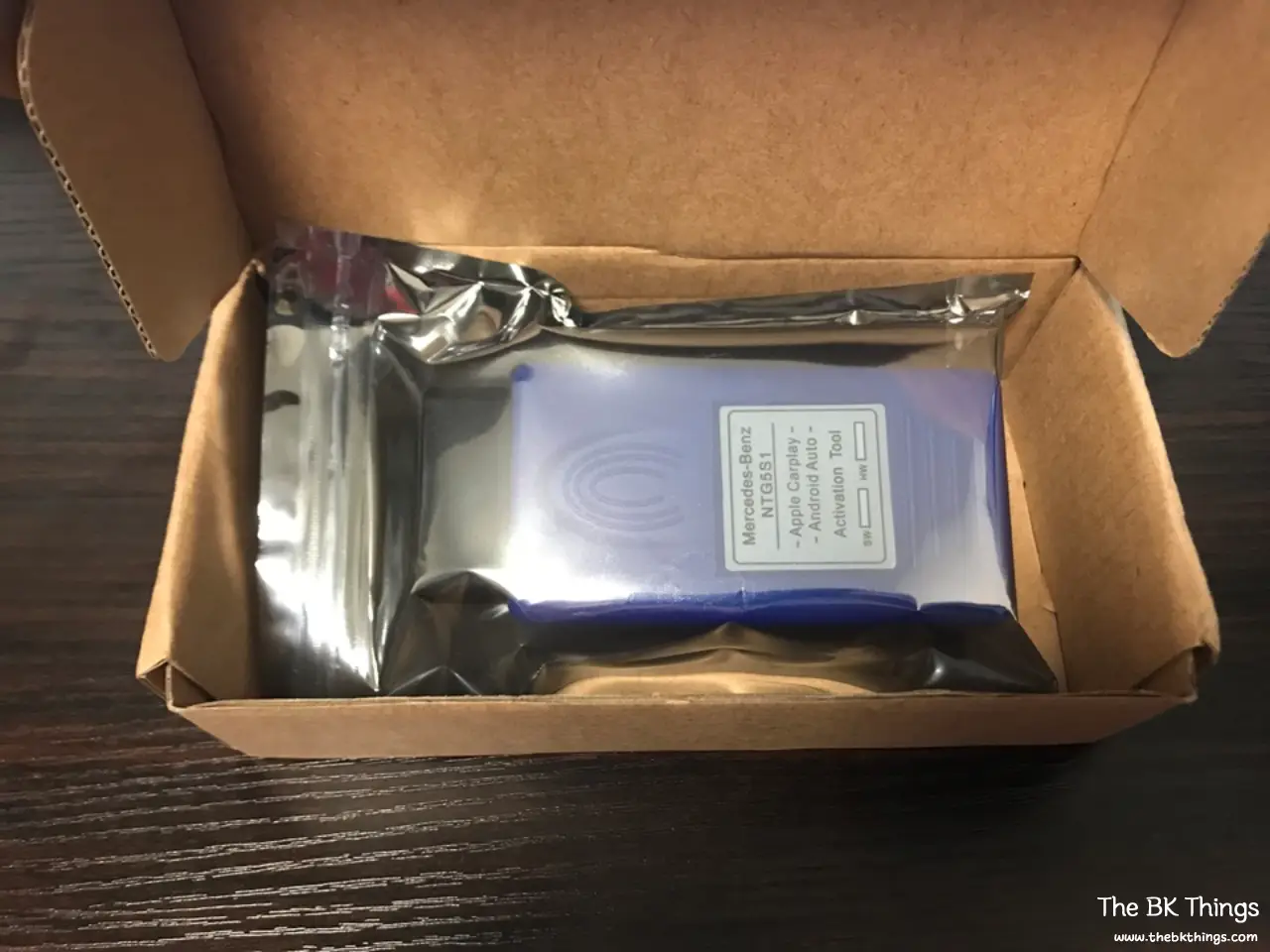
Inside the box was just a small plastic OBD dongle. No instructions. I assumed it simply plugged into the OBD port, and that was correct.
How to Activate CarPlay and Android Auto on the W176
The A-Class W176 OBD port is located low in the driver’s footwell. Slide the driver’s seat all the way back, open the door and lean down toward the floor.
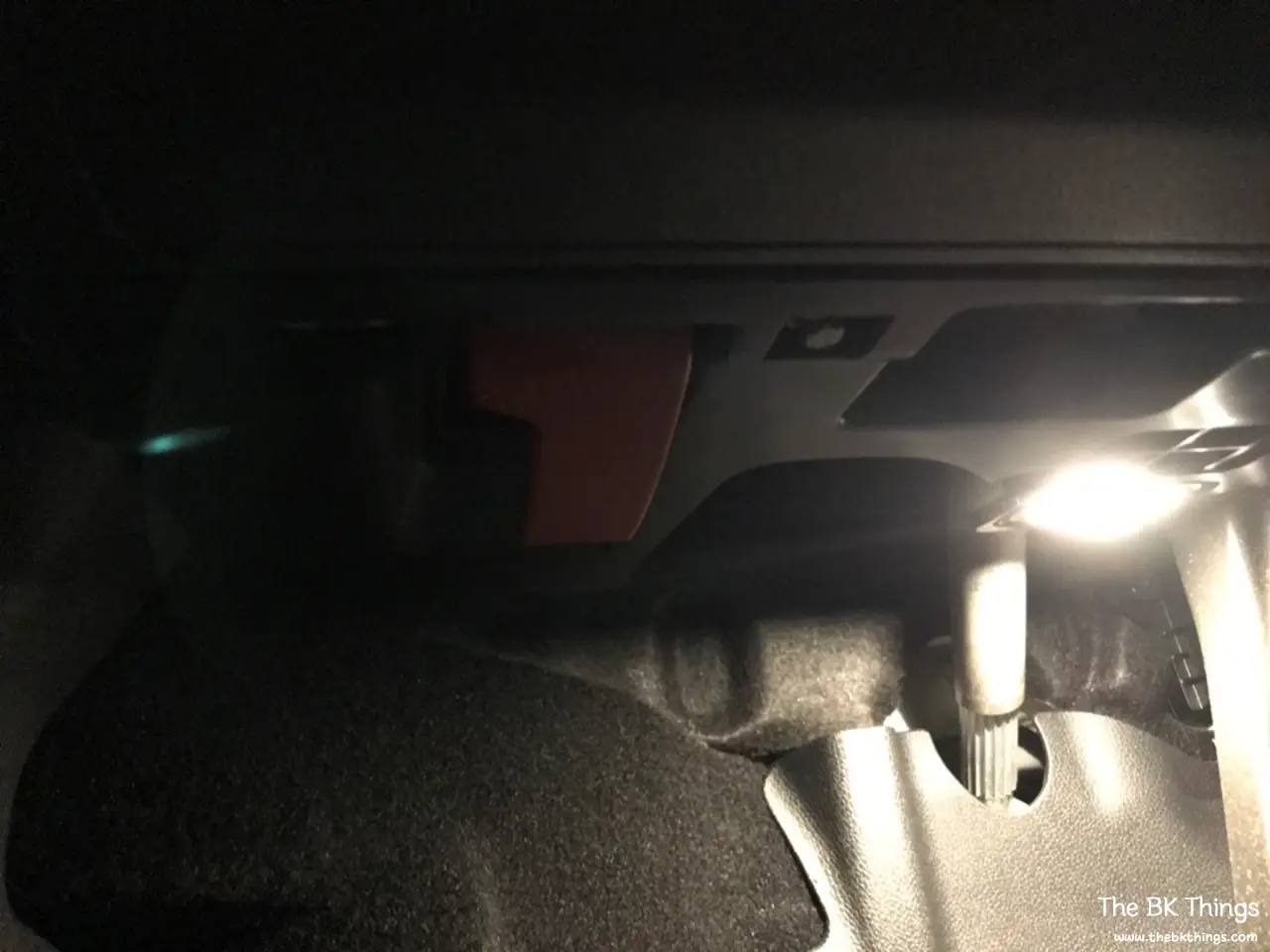
Next to the red hood release lever, you’ll find a cover marked OBD. Open it.

The steps are:
- Plug the NTG5S1 dongle into the OBD port.
- Start the car (ignition on).
- A brief “updating” message appears on the screen. It disappeared too quickly for me to photograph.
- As soon as you see that message, you can unplug the dongle.

It was so simple that I doubted it had worked and thought I might have wasted my money and time. But after browsing through the menus with the controller, the Android Auto and Apple CarPlay menu appeared.
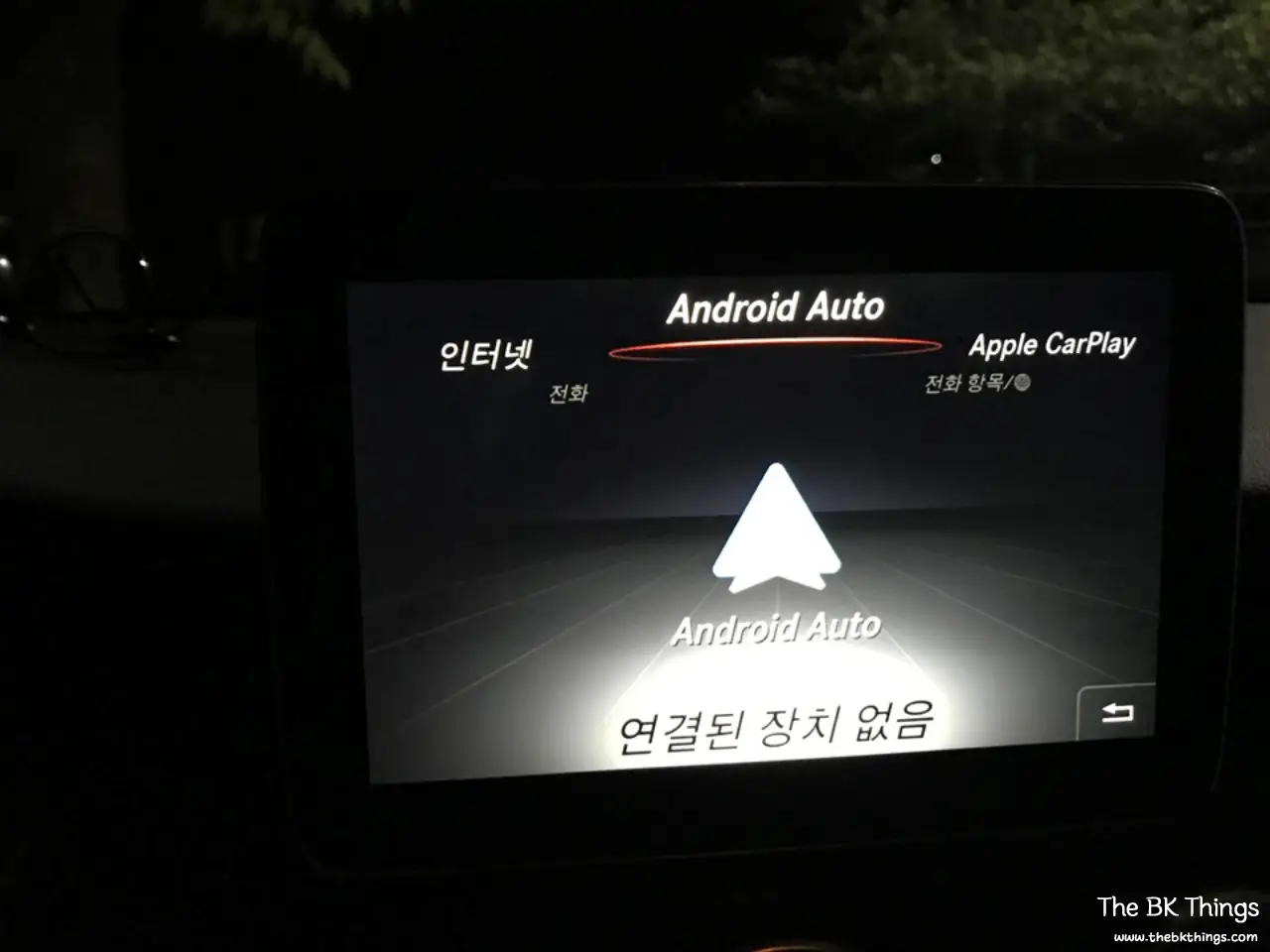
When I connected my iPhone with a cable, Apple CarPlay launched immediately.
Living With CarPlay on the A200
At first I loved it. Seeing navigation on the car’s display instead of a phone on a mount is a big improvement.
After a while, though, the lack of a touchscreen got frustrating. Using the rotary controller for everything was tedious, so I kept picking up the phone anyway, and Siri wasn’t much help. I remembered the dealer saying the screen doesn’t support touch so drivers can focus on the road.
Things to Know Before You Try
- This worked on a 2016 W176 A200 with the NTG5S1 head unit. Check your head unit version first.
- There are reports that a dealer service visit can reset the head unit and remove the activation. I hadn’t confirmed this at the time of writing.
- You use third-party tools at your own risk, and this may affect warranty coverage depending on your region and dealer.
- Expect to control CarPlay with the rotary knob/touchpad, not by touching the screen.
More Car Posts
- Mercedes-Benz A200 (W176) Long-Term Review After 10,000 km
- Chevrolet Orlando LPG Solenoid Valve Replacement: Check Engine Light Fix
- Chevrolet Aveo / Sonic 1.6 Sedan Long-Term Review